Tillmere
A crop science and agricultural biotech site on white, warm sand and deep green: an inset field video hero with a headline that types in, counting figures, lab video cards, a pinned solutions panel, insight rows, questions and a trial request form.
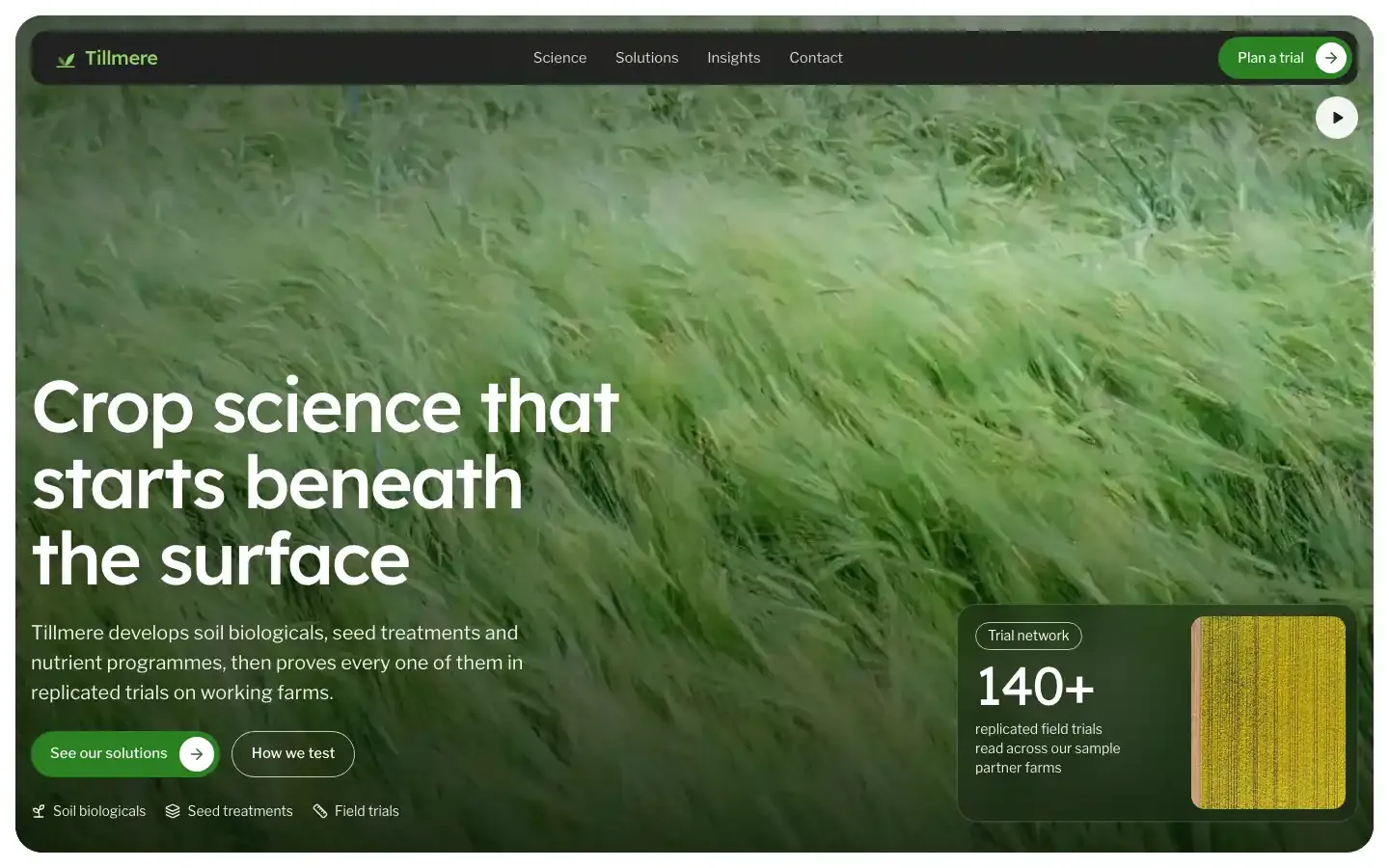
What's included
Everything in Tillmere
Use it and your new project gets the whole site, as real code that stays yours to edit.
The site
- 6 pages, including 2 collection pages
- 25 sections, each editable in Design
- Xodia Motion: entrances, scroll reveals and hovers
- Forms you connect to Xodia Forms with one switch
- 34 images in your Assets
- Theme colours and fonts in one panel, Colours and fonts
Pages
- Home/
- Science/science
- Solutions/solutions
- Insights/insights
- Solution/solutions/:slug
- Insight/insights/:slug
Collections
- Solutions5 solutions, each with its own page at /solutions
- Insights4 insights, each with its own page at /insights
Edit them and their items in the Content tab, on every plan. See Xodia CMS.
Every page
6 pages, ready to edit
Choose a page to see it live in the demo above.
Make it yours
From Tillmere to your own site
Use this template and Xodia opens your new project in Design, with a Make it yours checklist on the canvas. Each step opens the place to do it.
- Your name and logo: double-click the name in the nav to rename it, and add your logo in Assets
- Brand colours and fonts in the Colours and fonts panel, set once so every page follows
- Swap any photo in a click: select it, then Replace image on the element bar's Settings, even where the template keeps its photos in a list
- Your own items in the Content tab: solutions and insights
- Page titles and share images in each page's settings
- Or copy the prompt made for Tillmere, and your AI rebrands the whole site
A new project made from the Tillmere template, open in Design: the template's home page on the canvas and the Make it yours checklist at its top right, with your name and logo, brand colours and fonts, photos, content, page titles, a prompt for your AI and Put it online. Across the top, Ask your AI to tidy it up with Copy prompt, Connect your AI, Ask Xodia AI and Not now.
Credits and license
Photos you can use
Tillmere has 17 free-license photos from Unsplash, under the Pexels License and Unsplash License: free for commercial use, with no credit needed on your site. Each is credited in CREDITS.md in your project, with its photographer and source.
The business, its people and its text are sample content, and no photo shows a real customer. Replace them with your own.
Tillmere is under the Xodia Template License: use it for your own and your clients' sites but don't resell it as a template.
More templates
Other sites to start from
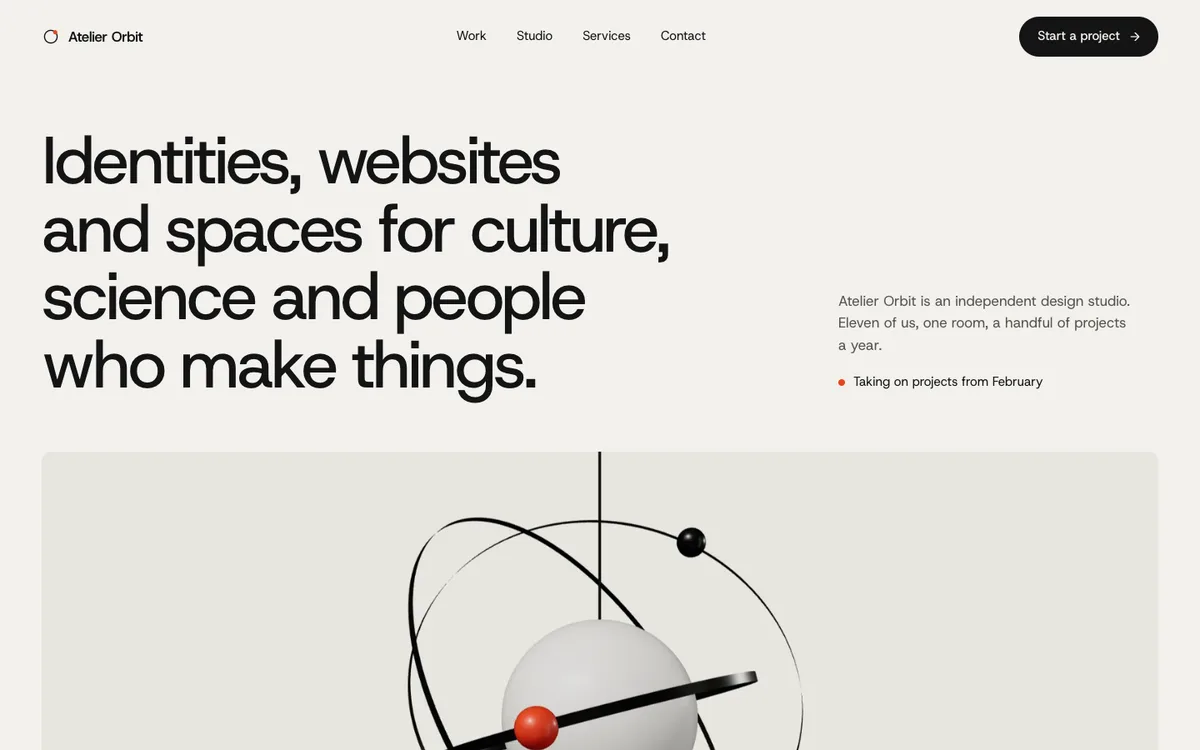 Atelier OrbitFreeAgency and studio, 4 pagesCMSMotionForms
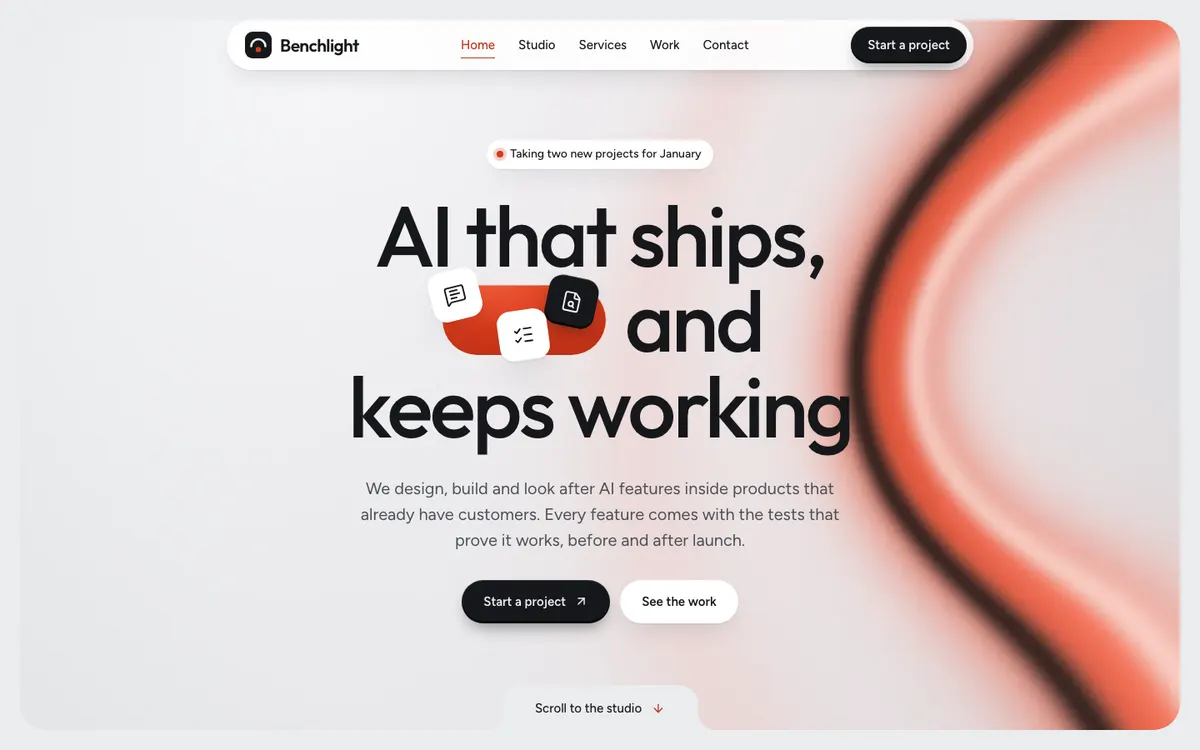 BenchlightFreeAgency and studio, 6 pagesCMSMotionForms
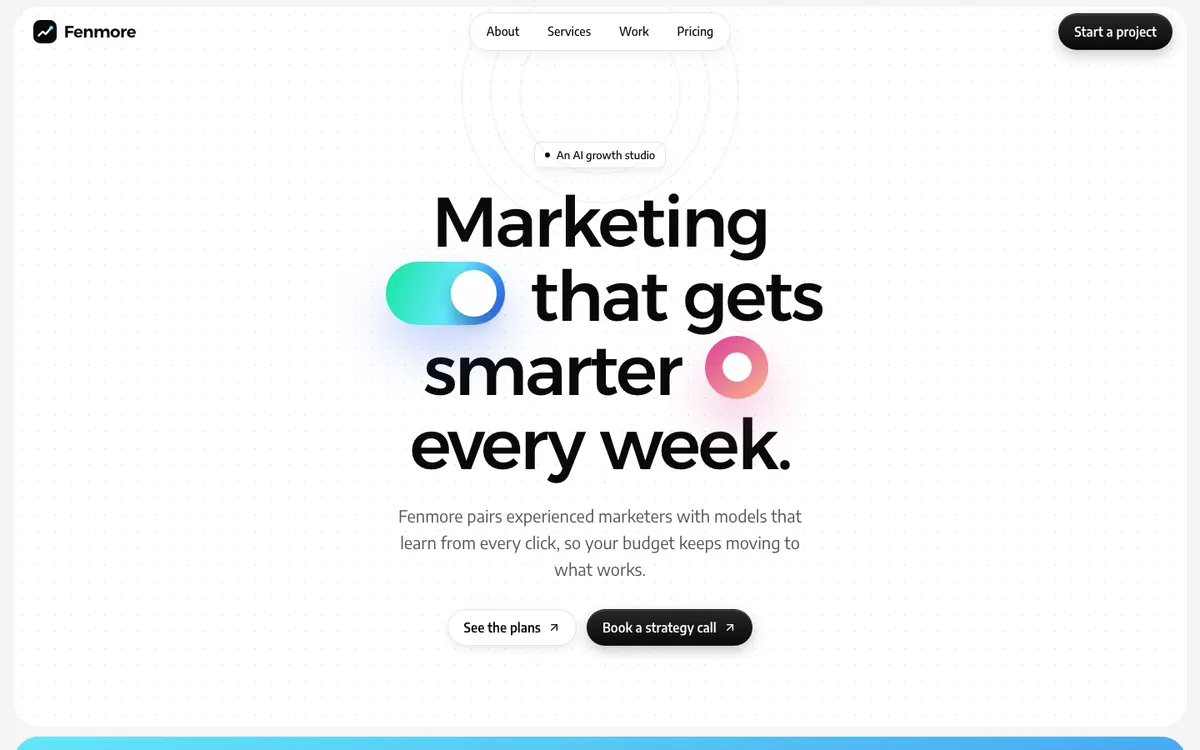 Fenmore$29Agency and studio, 4 pagesCMSMotionForms
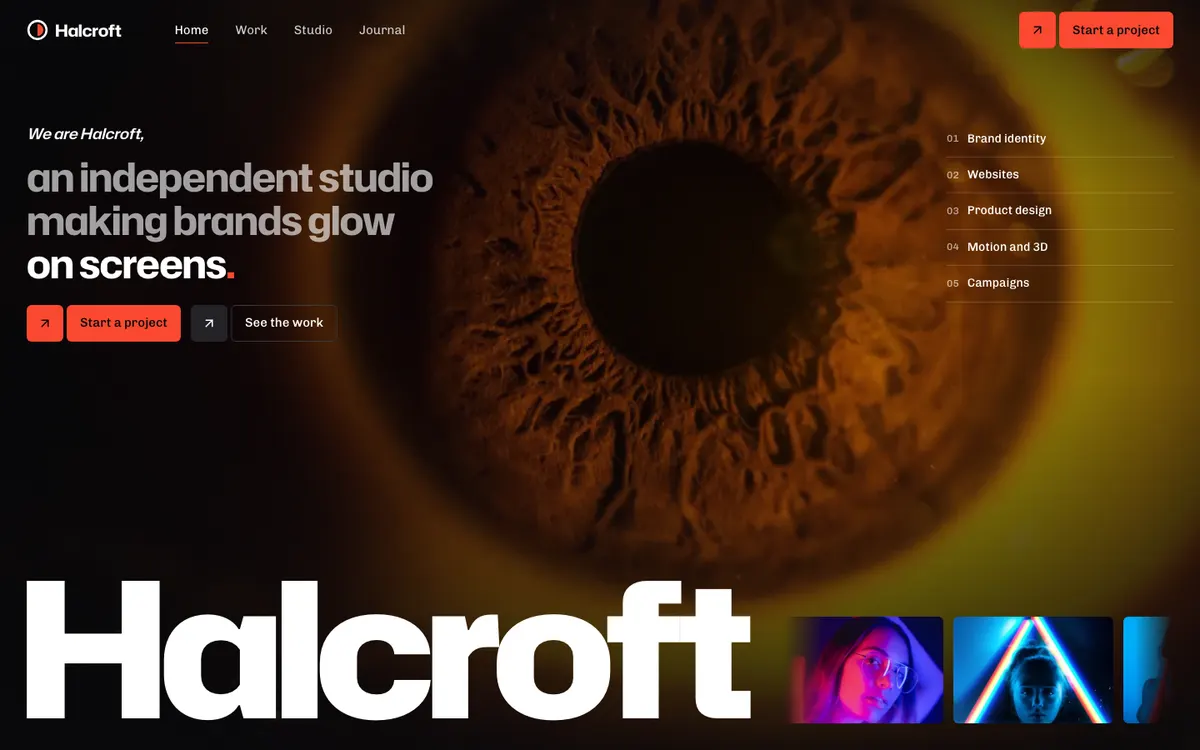 Halcroft$29Agency and studio, 6 pagesCMSMotionForms
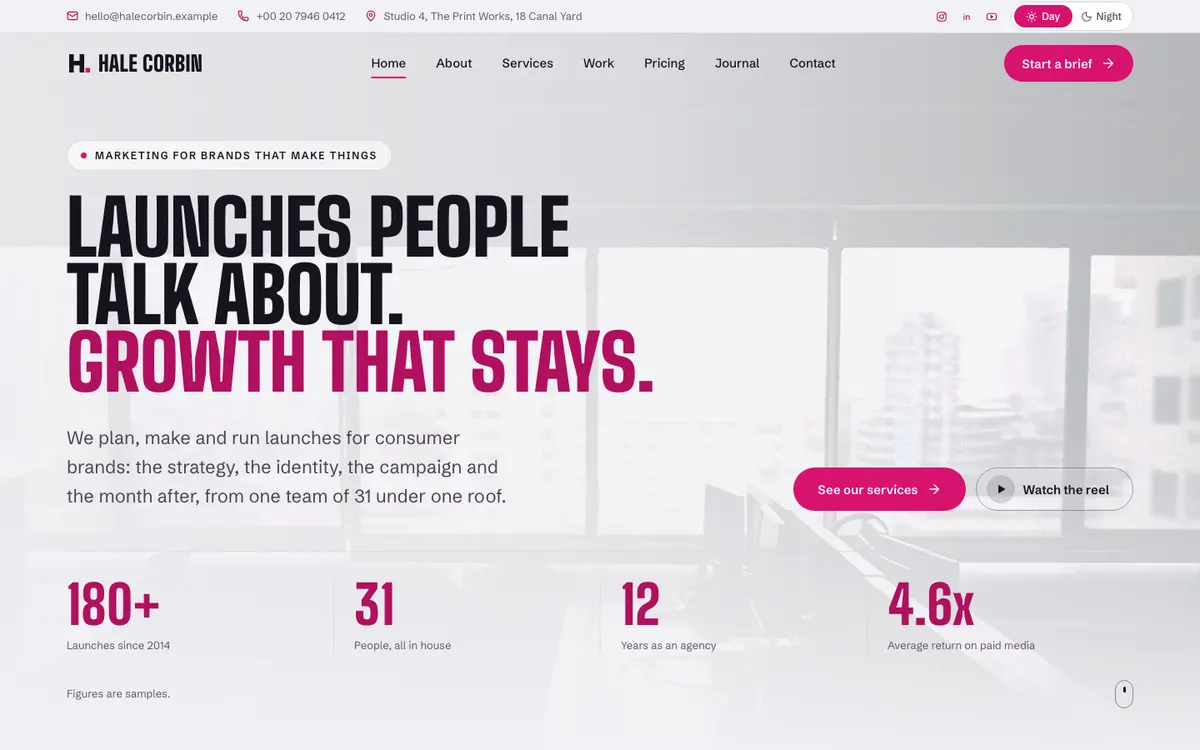 Hale CorbinFreeAgency and studio, 6 pagesCMSMotionForms
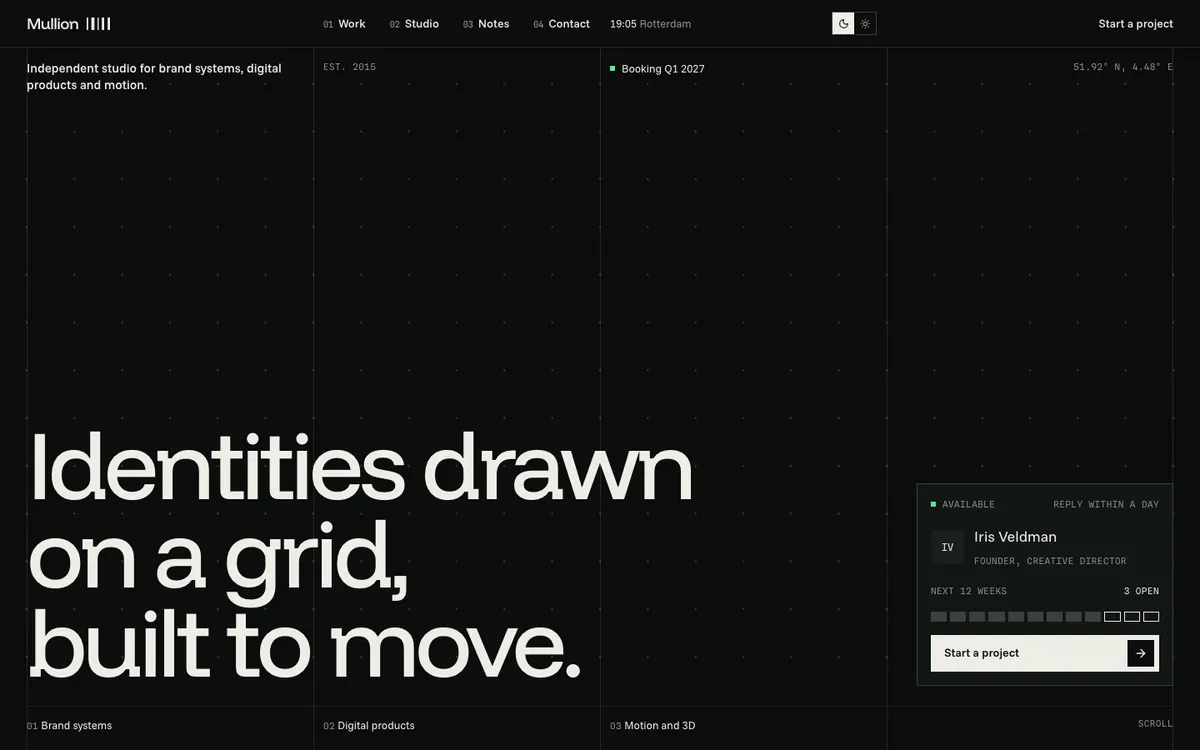 MullionFreeAgency and studio, 6 pagesCMSMotionForms
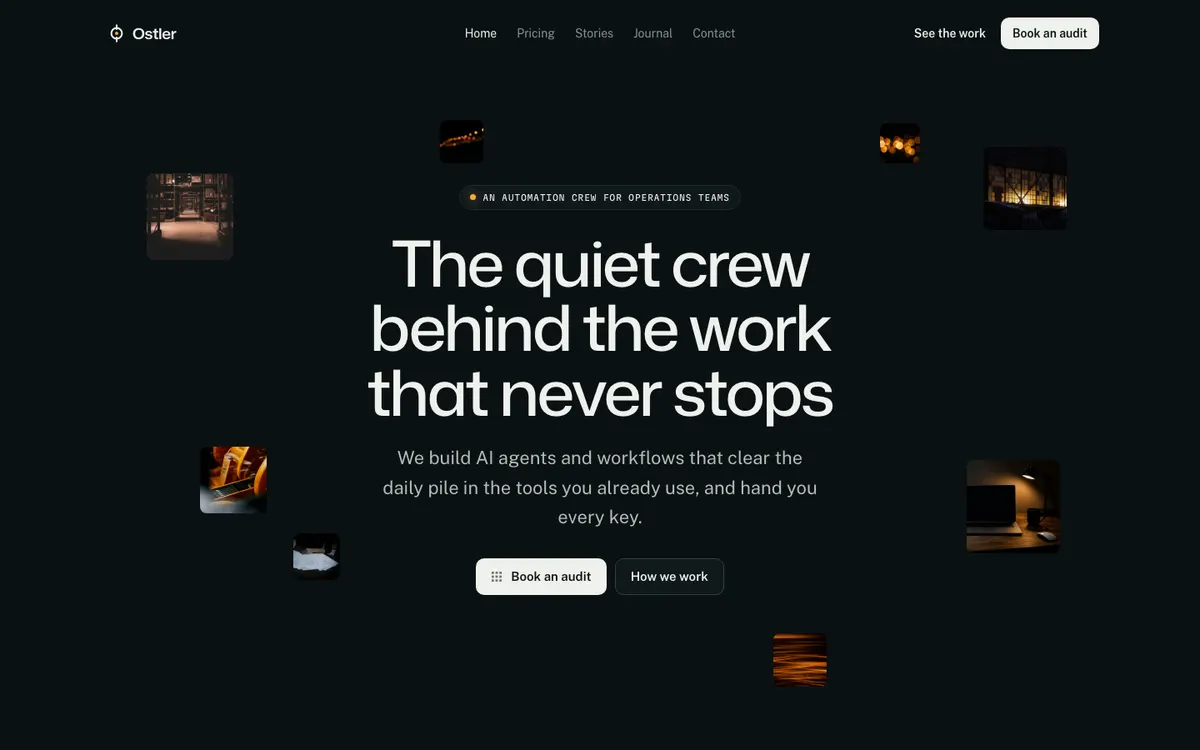 OstlerFreeAgency and studio, 6 pagesCMSMotionForms
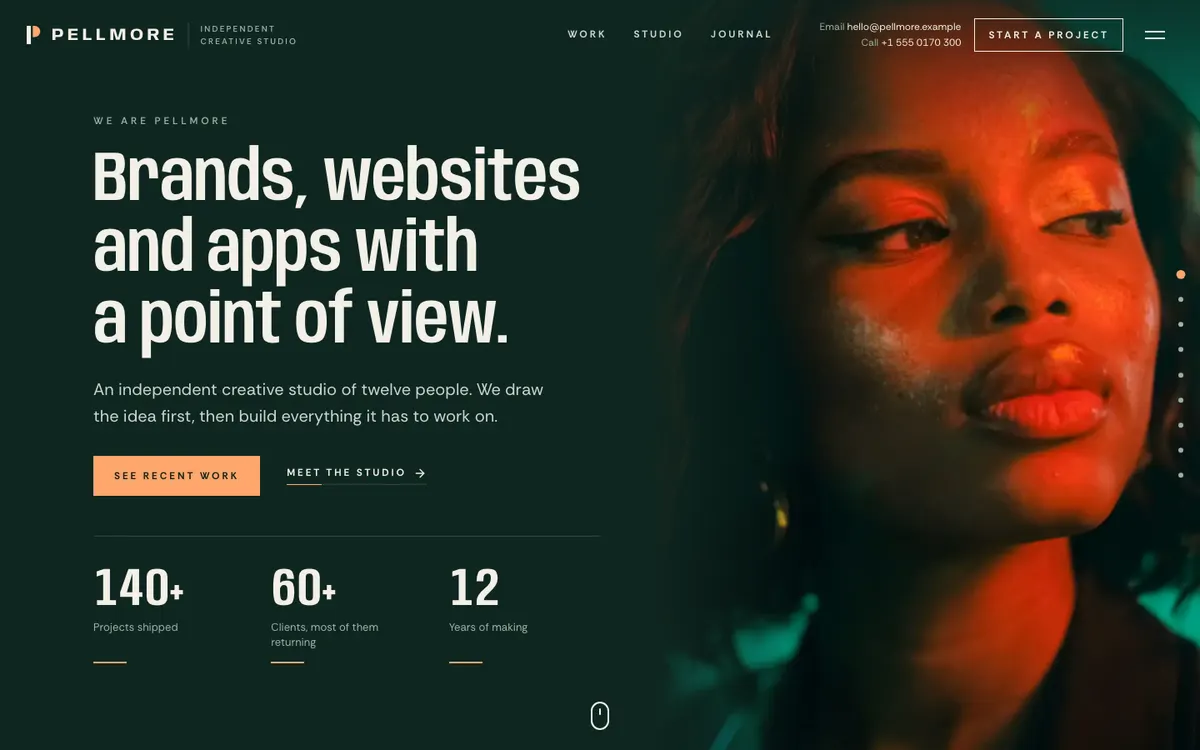 PellmoreFreeAgency and studio, 6 pagesCMSMotionForms
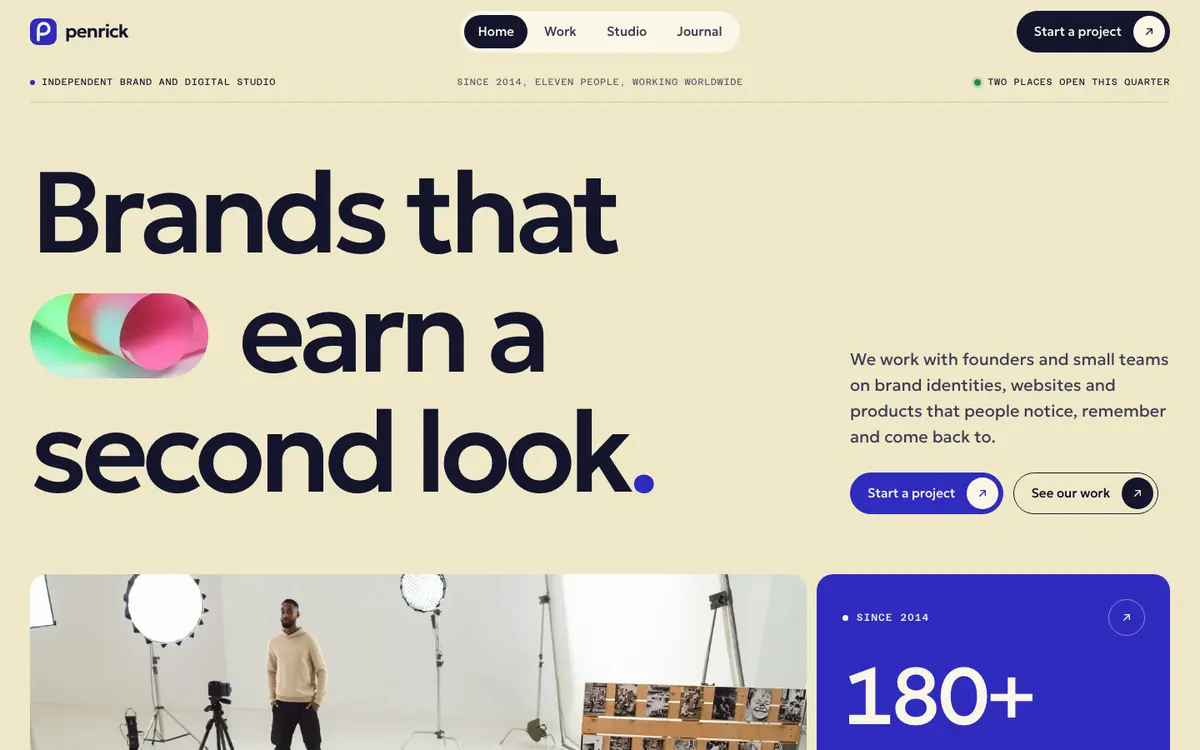 PenrickFreeAgency and studio, 6 pagesCMSMotionForms
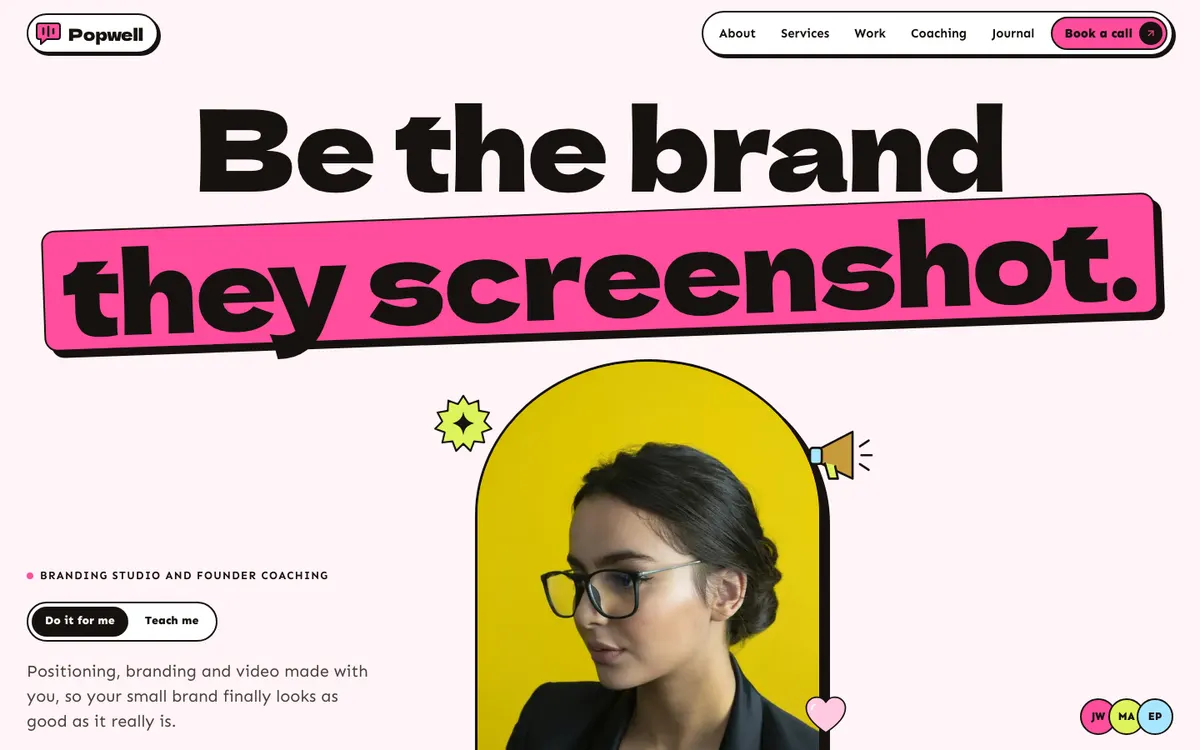 Popwell$29Agency and studio, 9 pagesCMSMotionForms
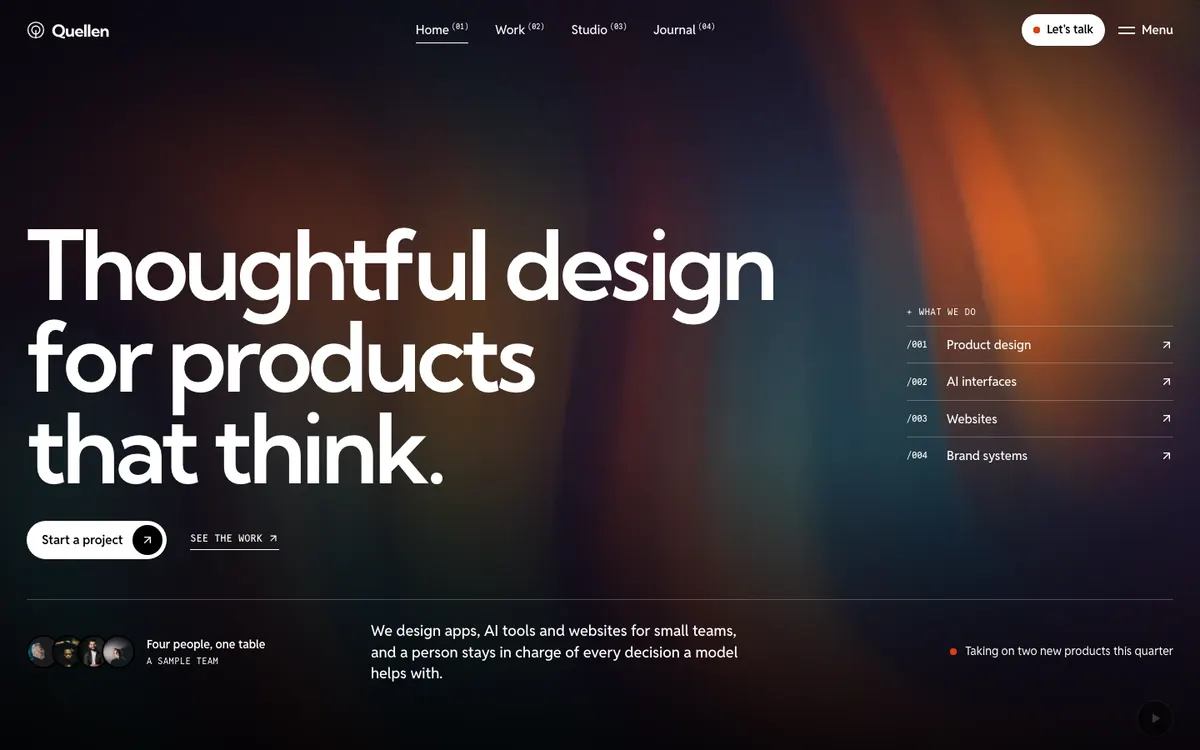 Quellen$29Agency and studio, 6 pagesCMSMotionForms
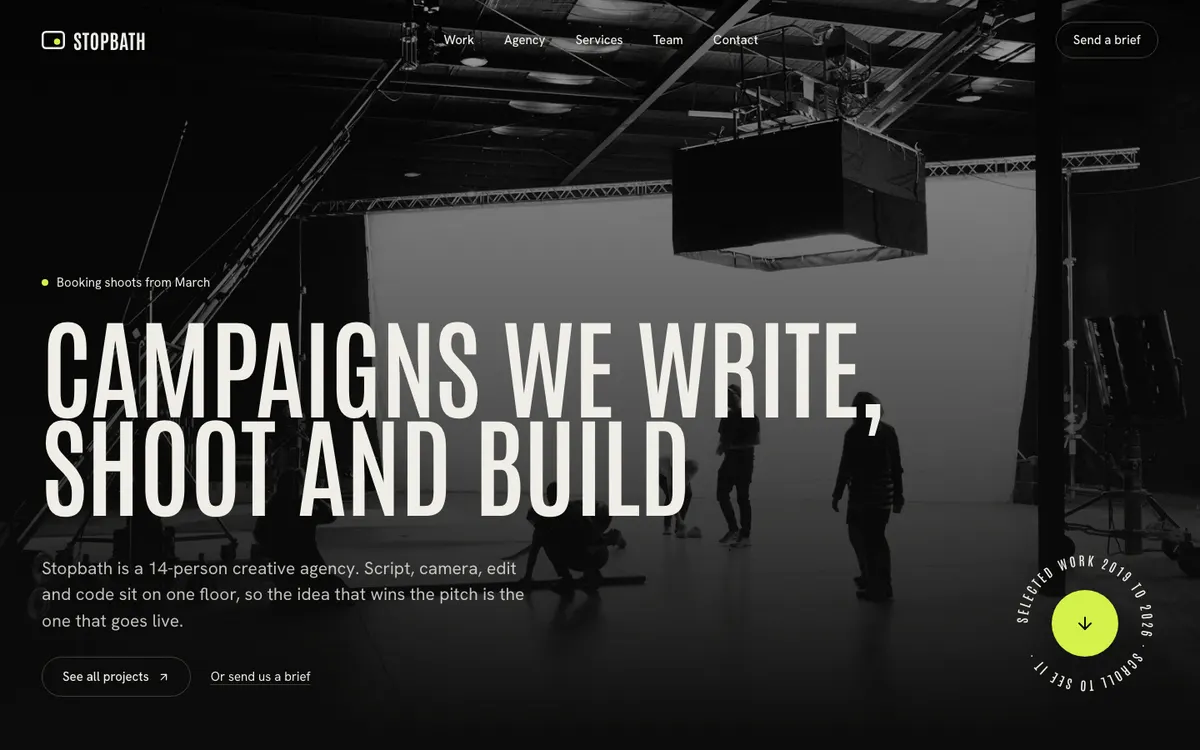 StopbathFreeAgency and studio, 4 pagesCMSMotionForms
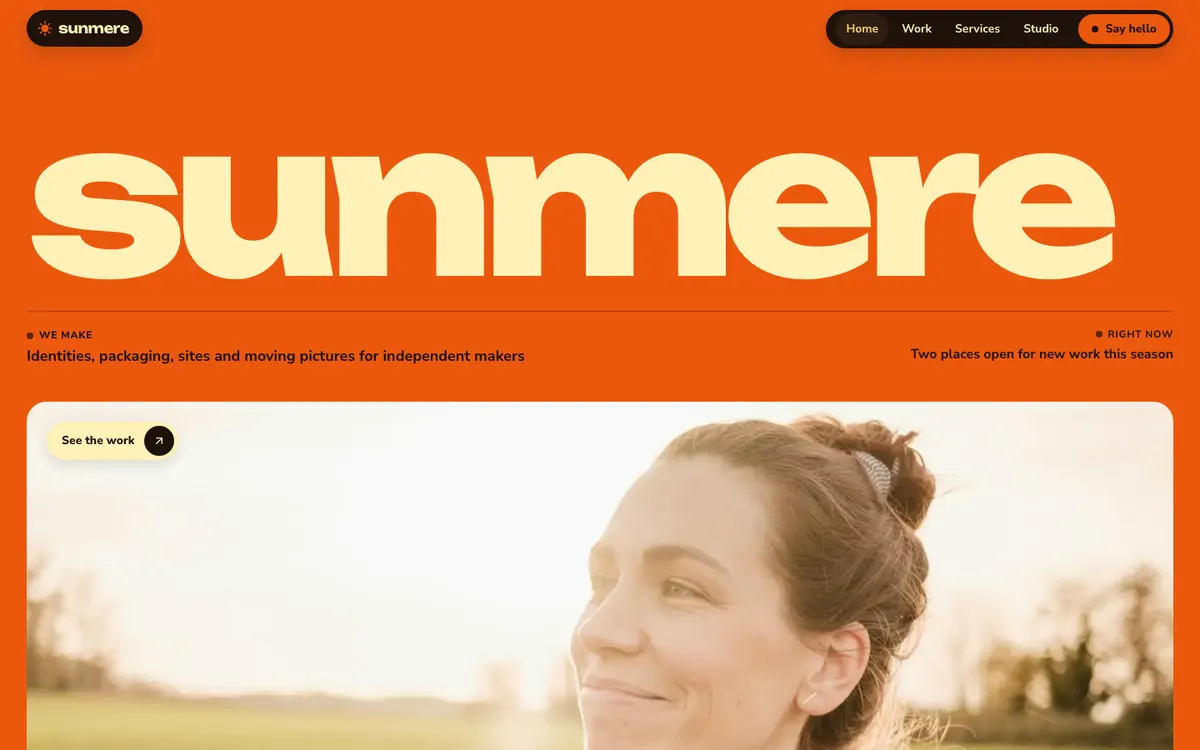 SunmereFreeAgency and studio, 6 pagesCMSMotionForms
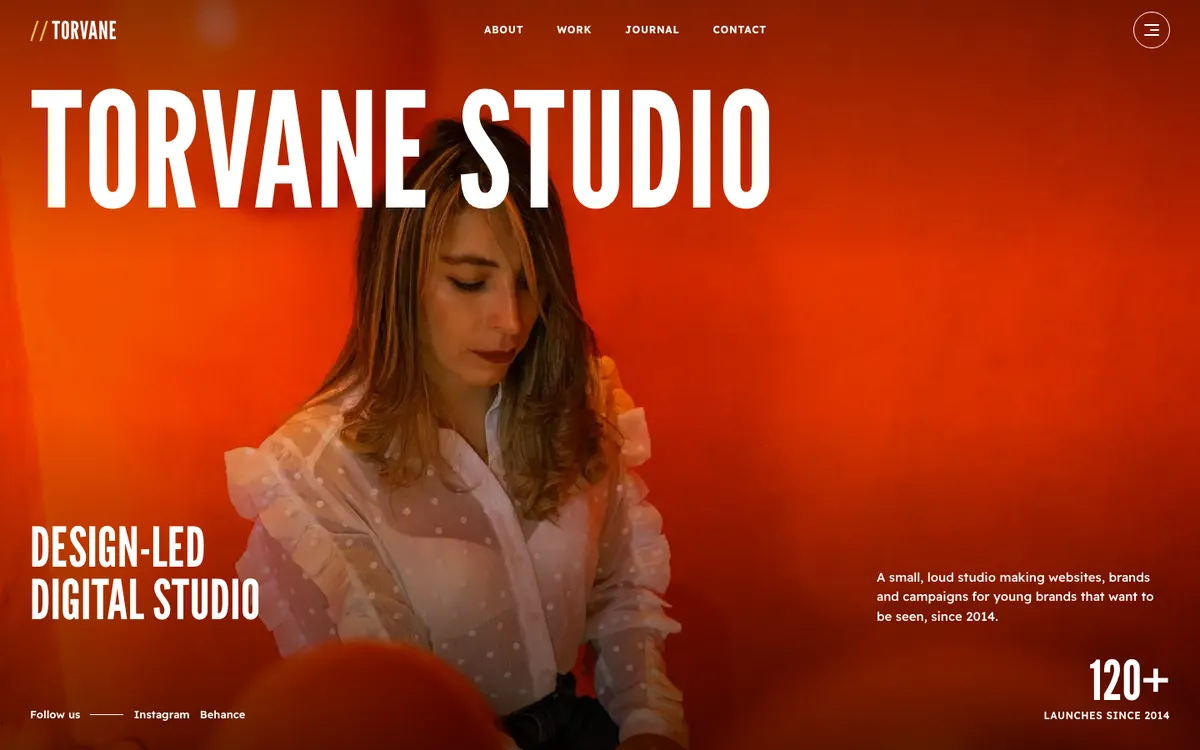 Torvane$29Agency and studio, 6 pagesCMSMotionForms
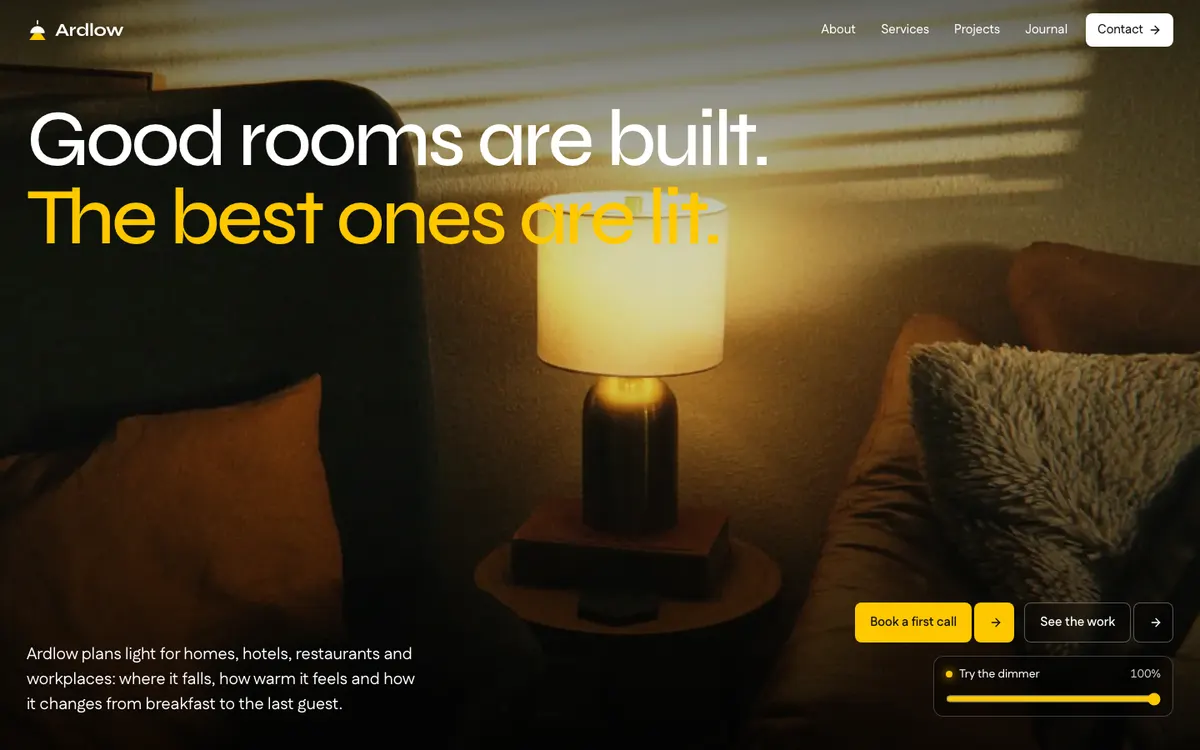 Ardlow$29Architecture and interiors, 8 pagesCMSMotionForms
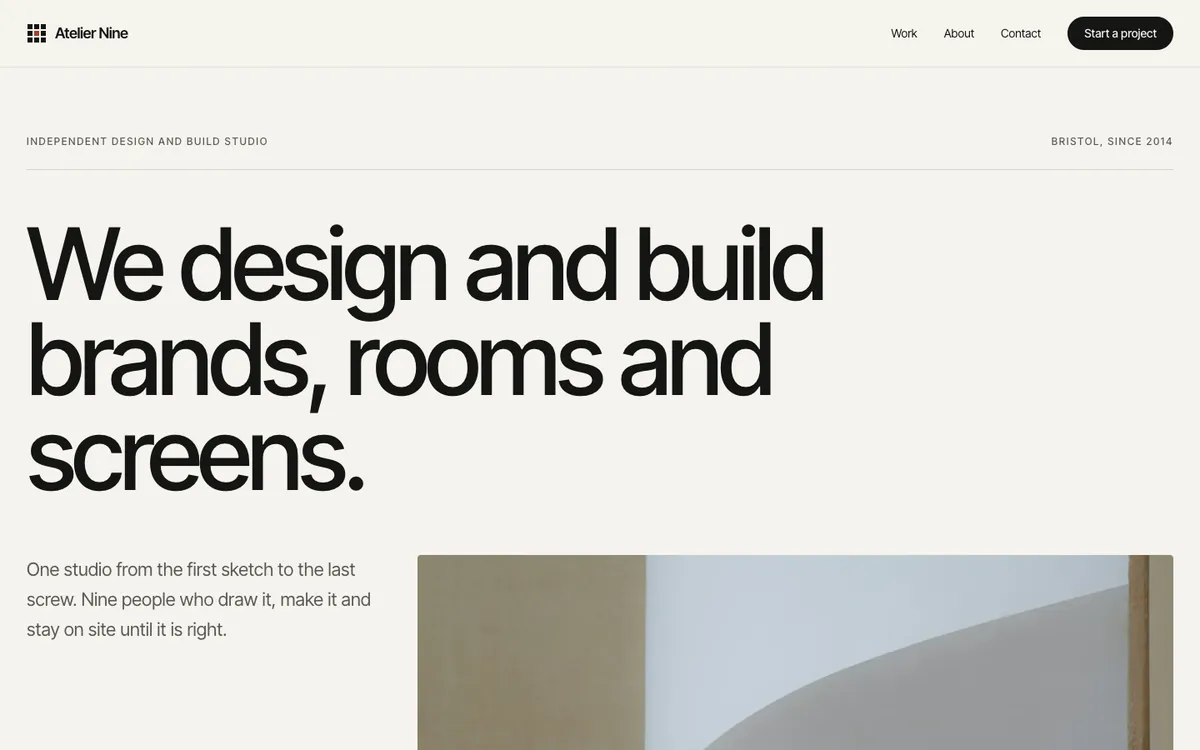 Atelier NineFreeArchitecture and interiors, 4 pagesCMSMotionForms
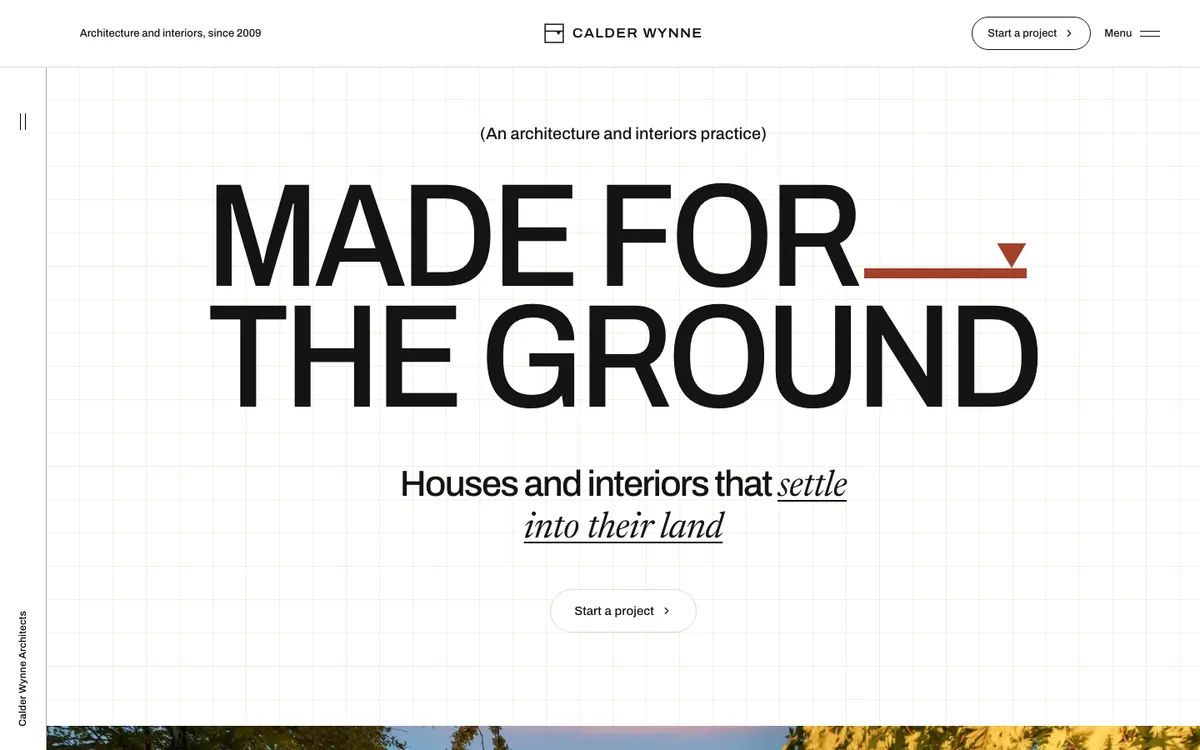 Calder WynneFreeArchitecture and interiors, 6 pagesCMSMotionForms
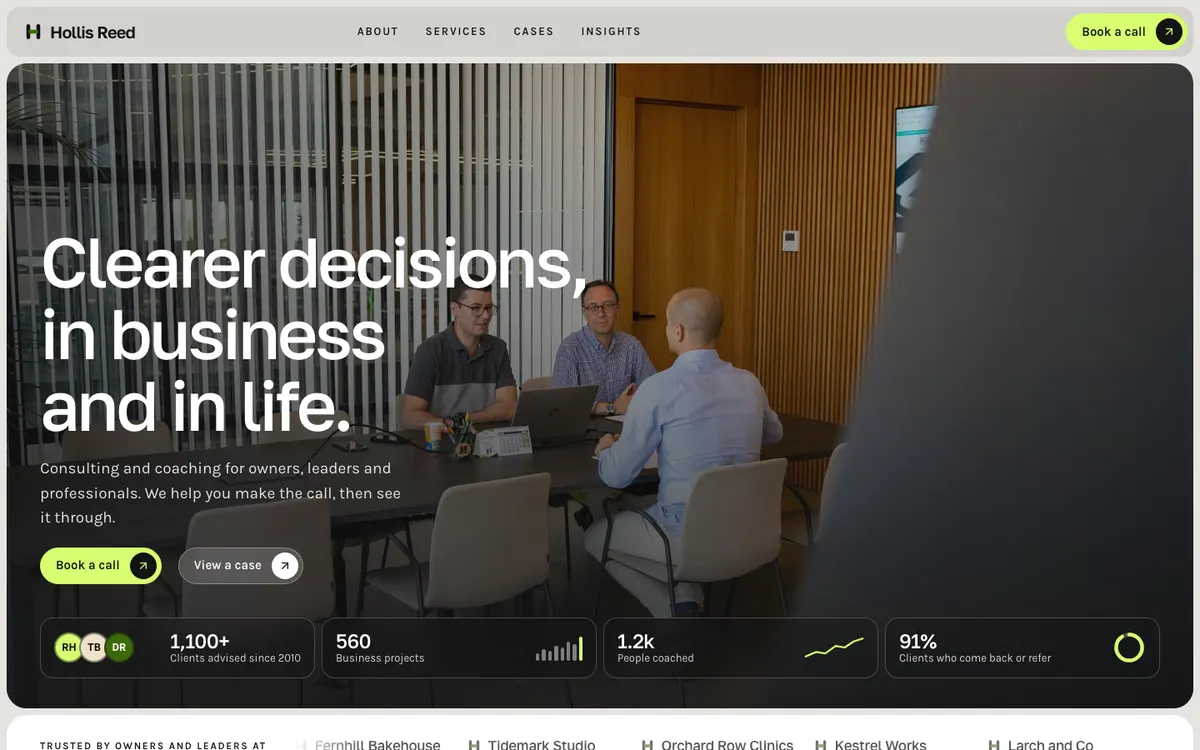 Hollis ReedFreeConsulting and advisory, 6 pagesCMSMotionForms
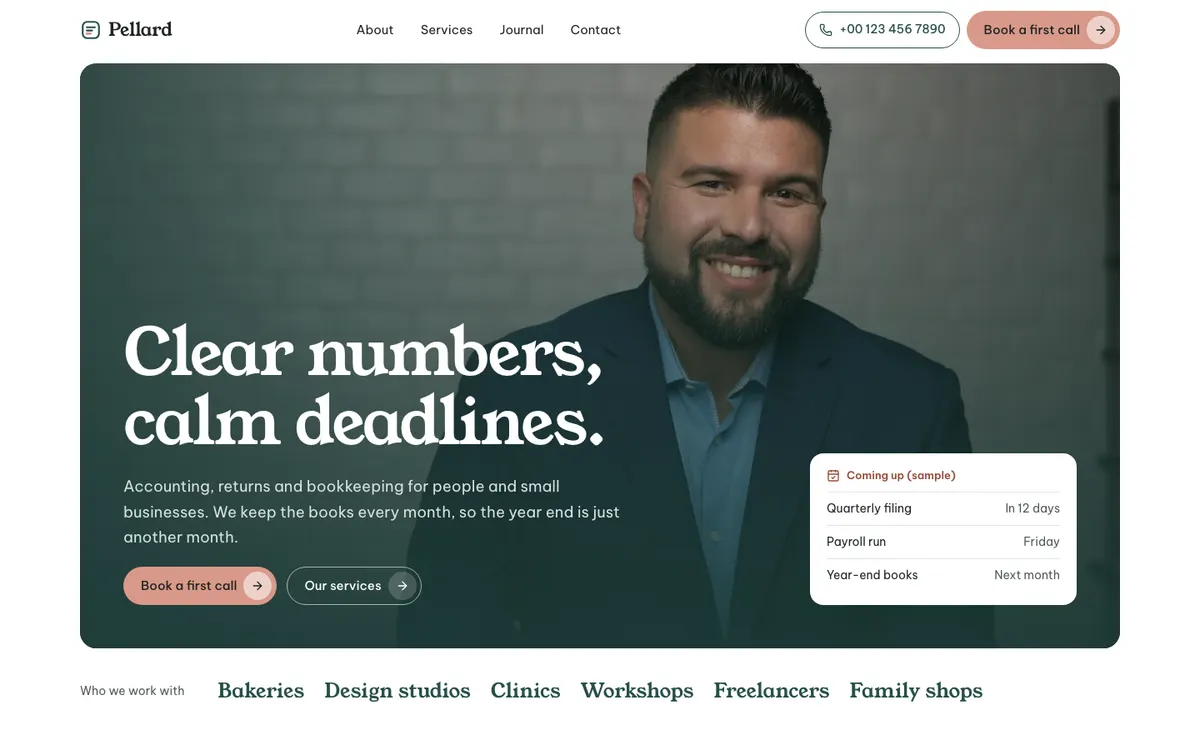 Pellard AdvisoryFreeConsulting and advisory, 7 pagesCMSMotionForms
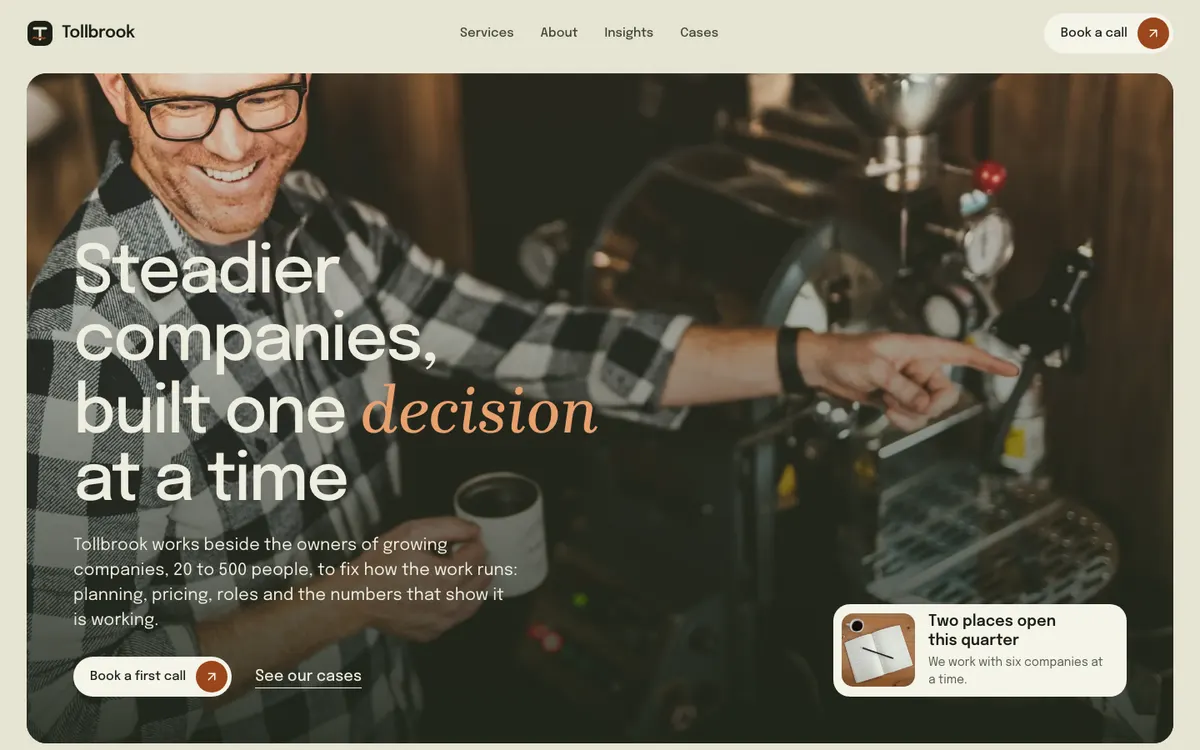 TollbrookFreeConsulting and advisory, 6 pagesCMSMotionFormsPopular
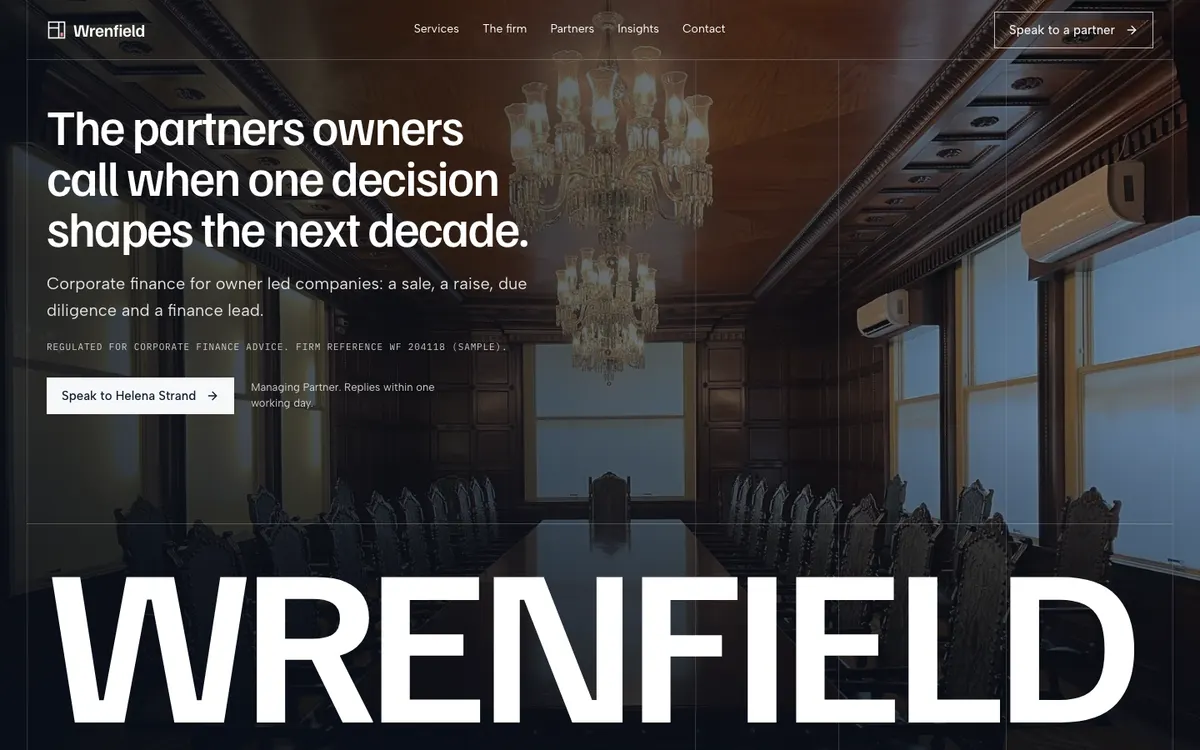 WrenfieldFreeConsulting and advisory, 6 pagesCMSMotionForms
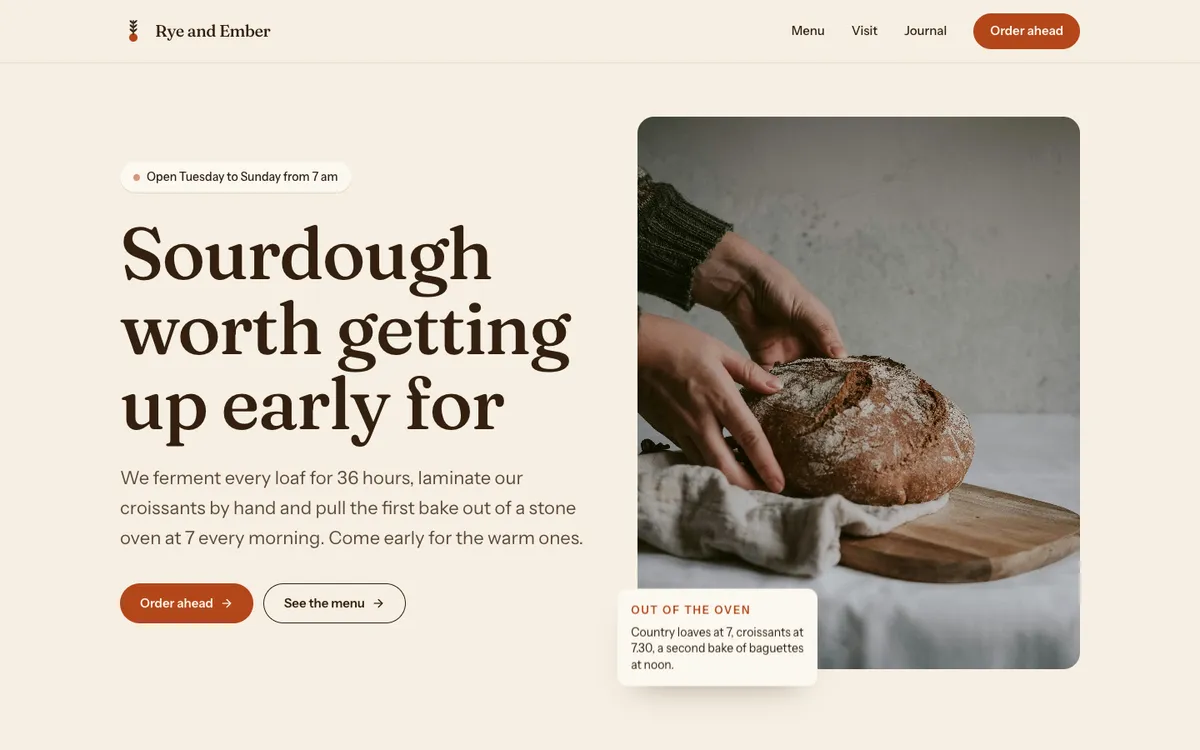 Rye and EmberFreeFood and hospitality, 4 pagesCMSMotionForms
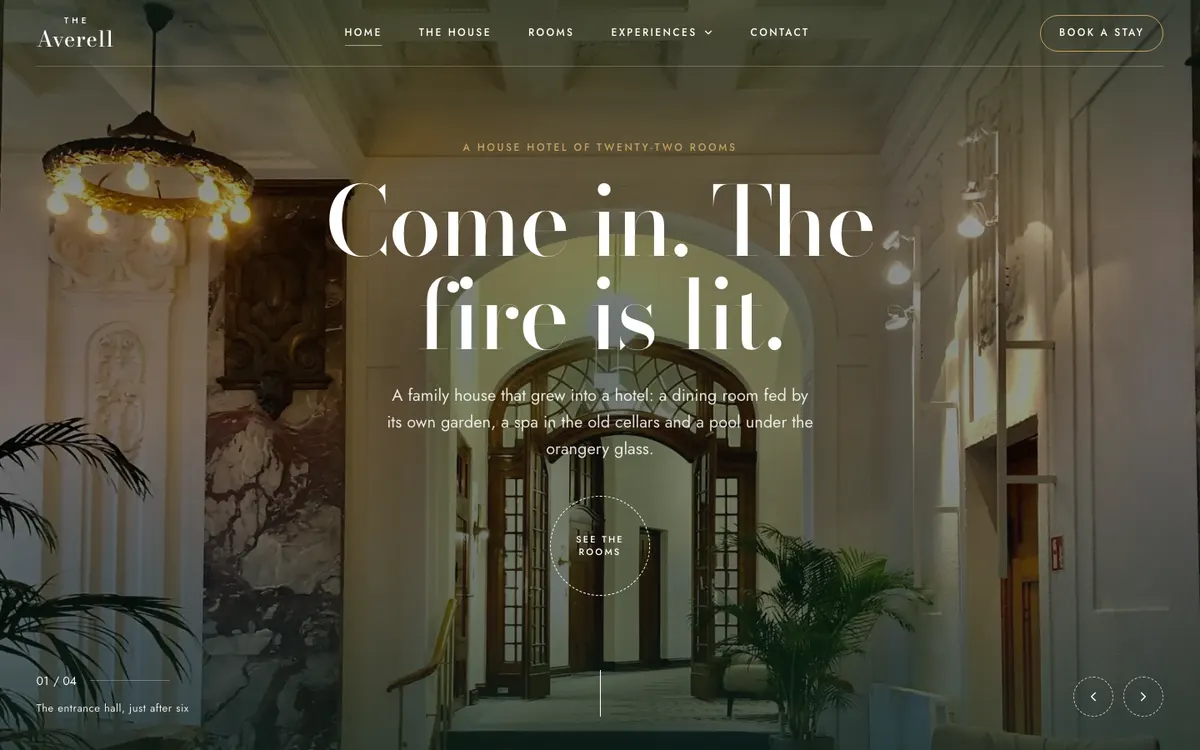 The AverellFreeFood and hospitality, 6 pagesCMSMotionForms
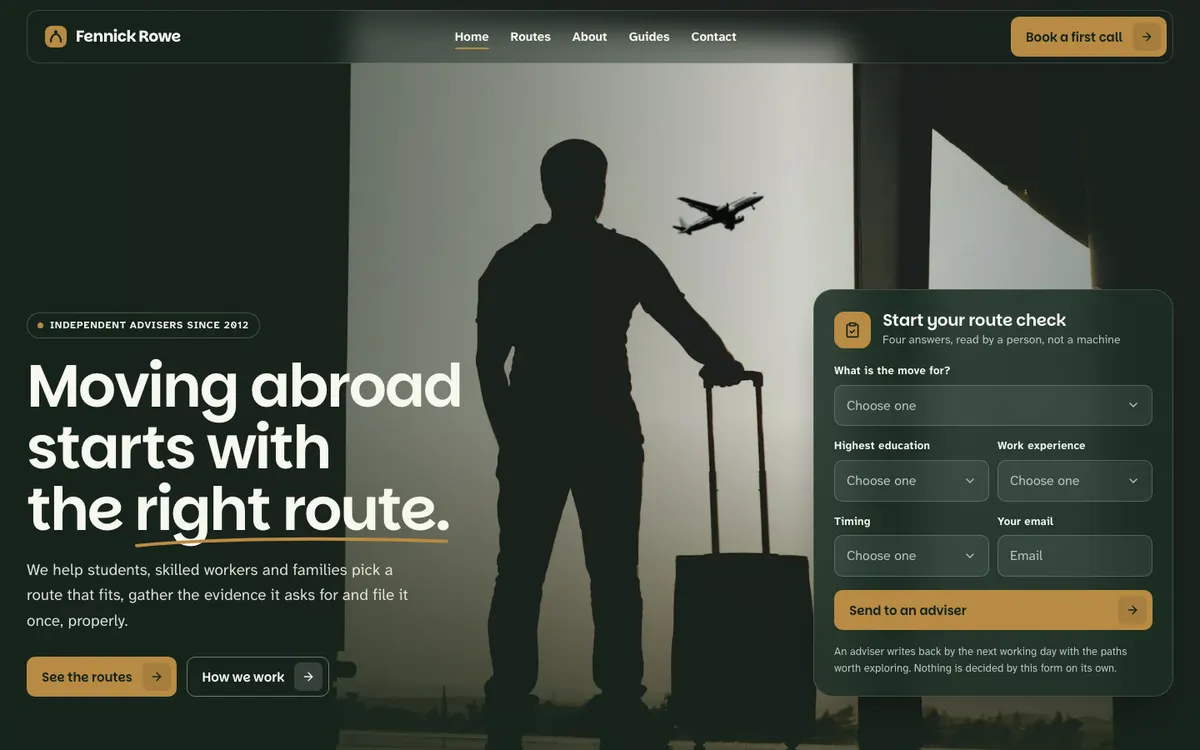 Fennick RoweFreeLegal and professional, 6 pagesCMSMotionForms
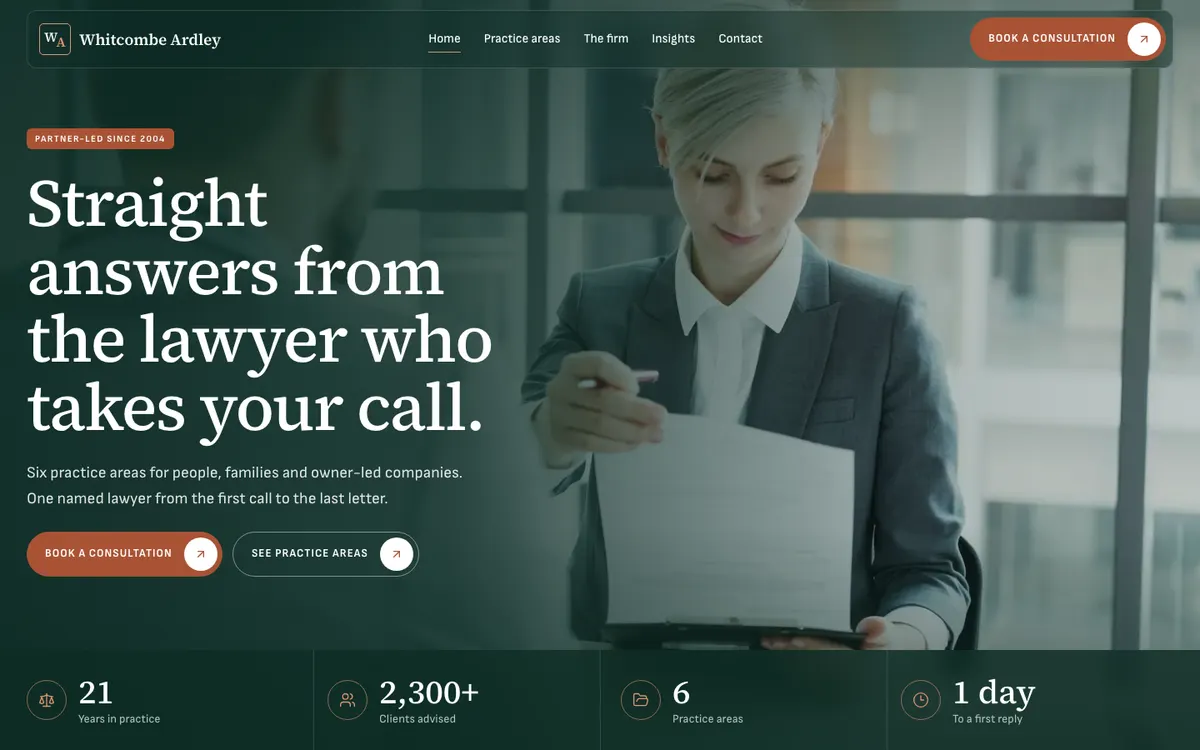 Whitcombe ArdleyFreeLegal and professional, 6 pagesCMSMotionForms
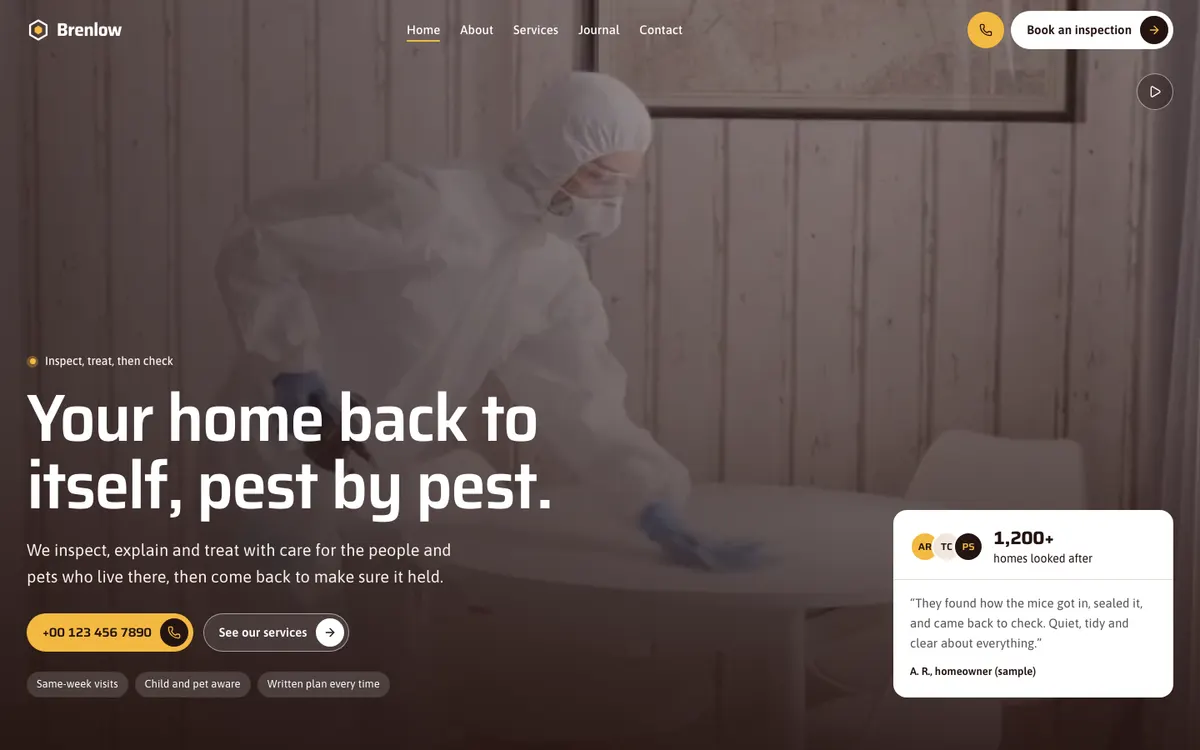 Brenlow Pest Care$29Local services, 7 pagesCMSMotionForms
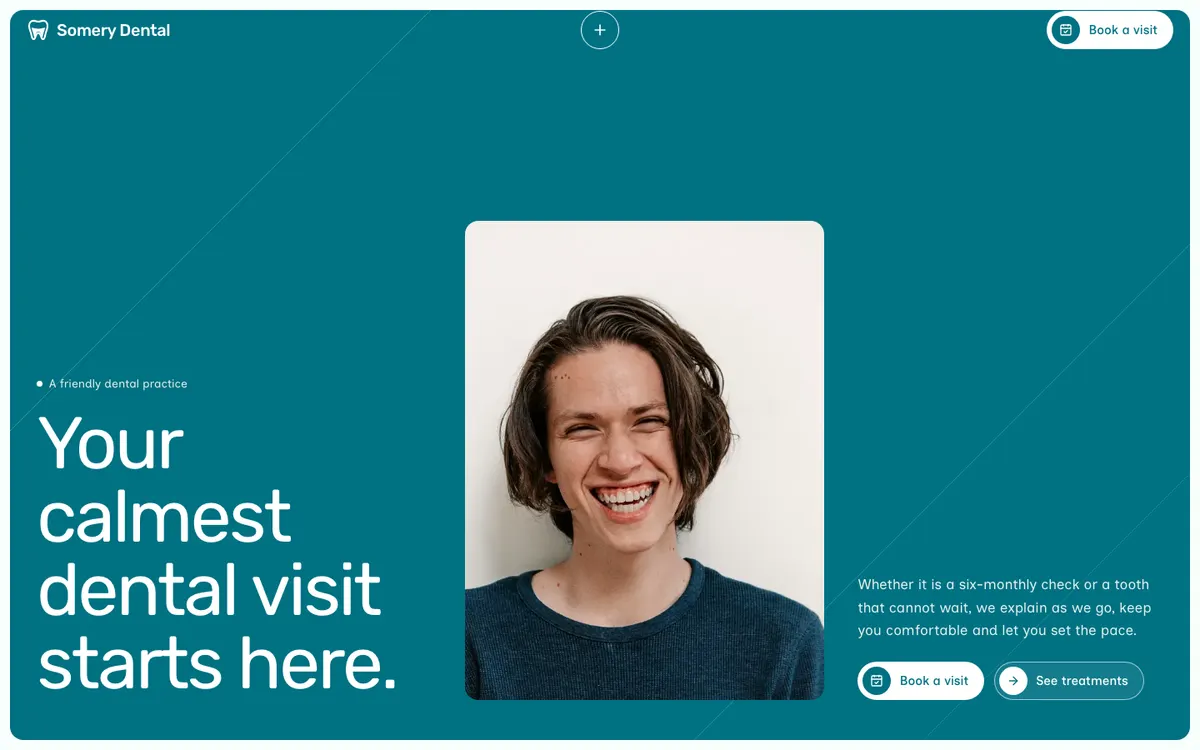 Somery Dental$29Local services, 9 pagesCMSMotionForms
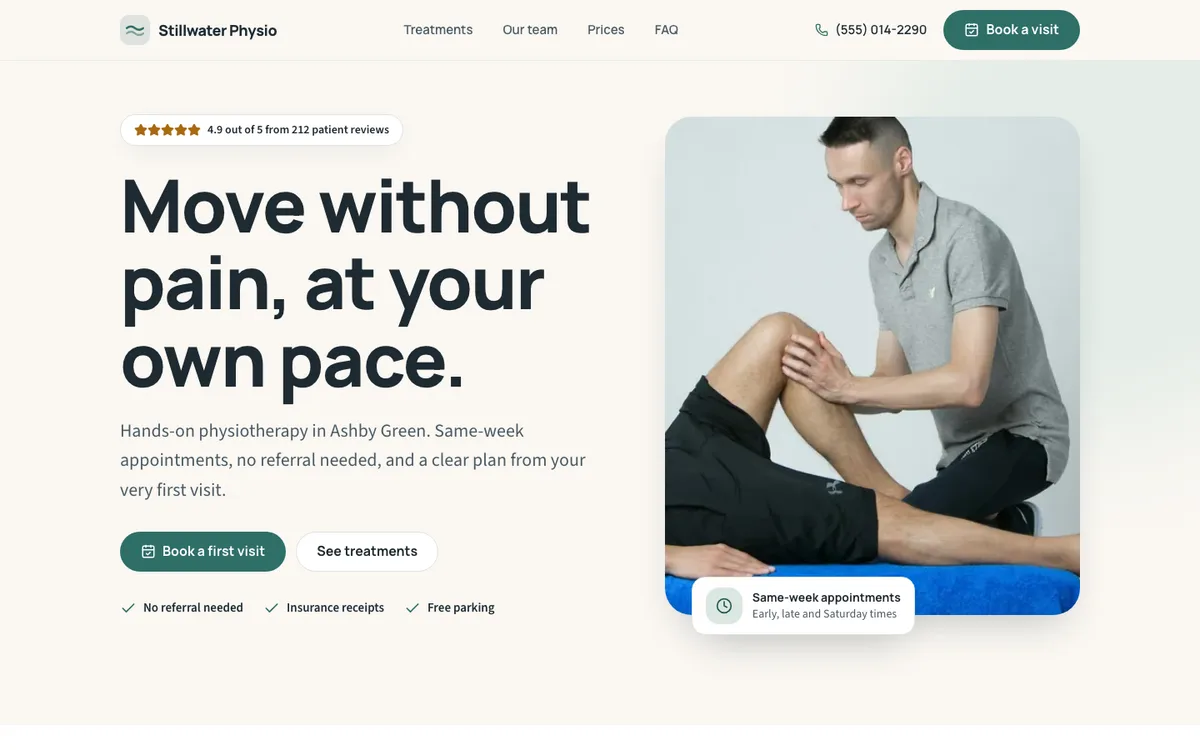 Stillwater PhysioFreeLocal services, 4 pagesCMSMotionForms
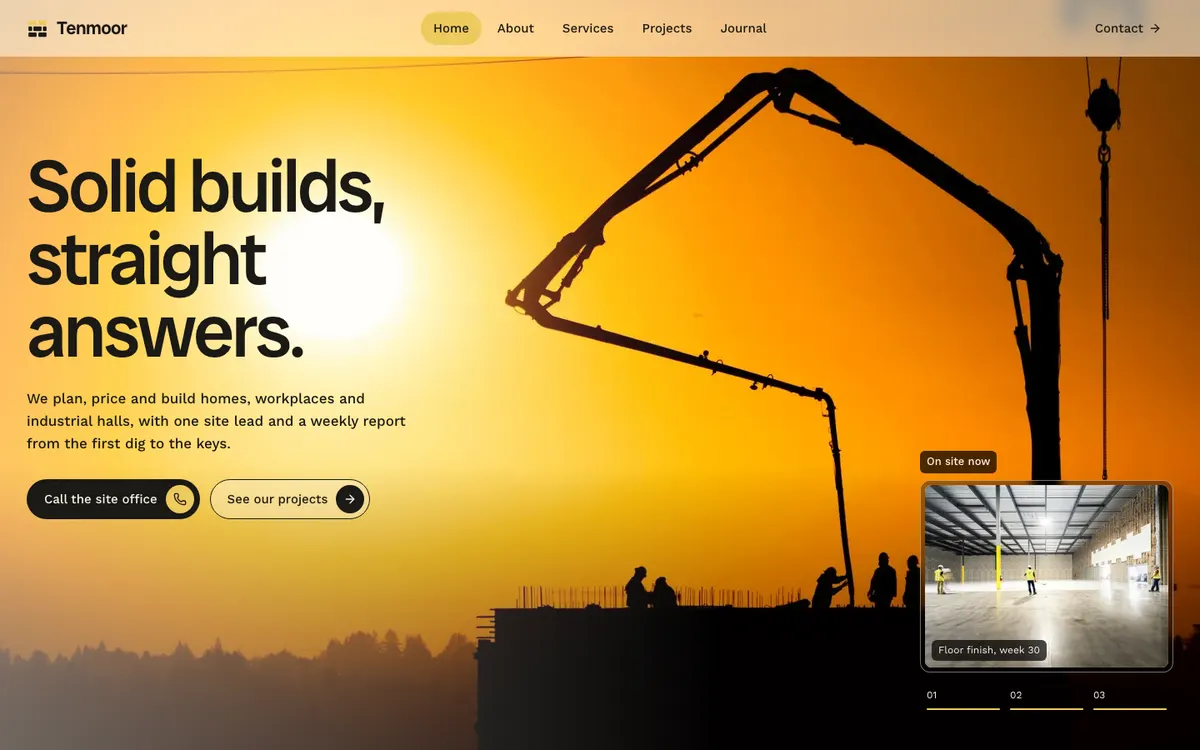 TenmoorFreeLocal services, 8 pagesCMSMotionForms
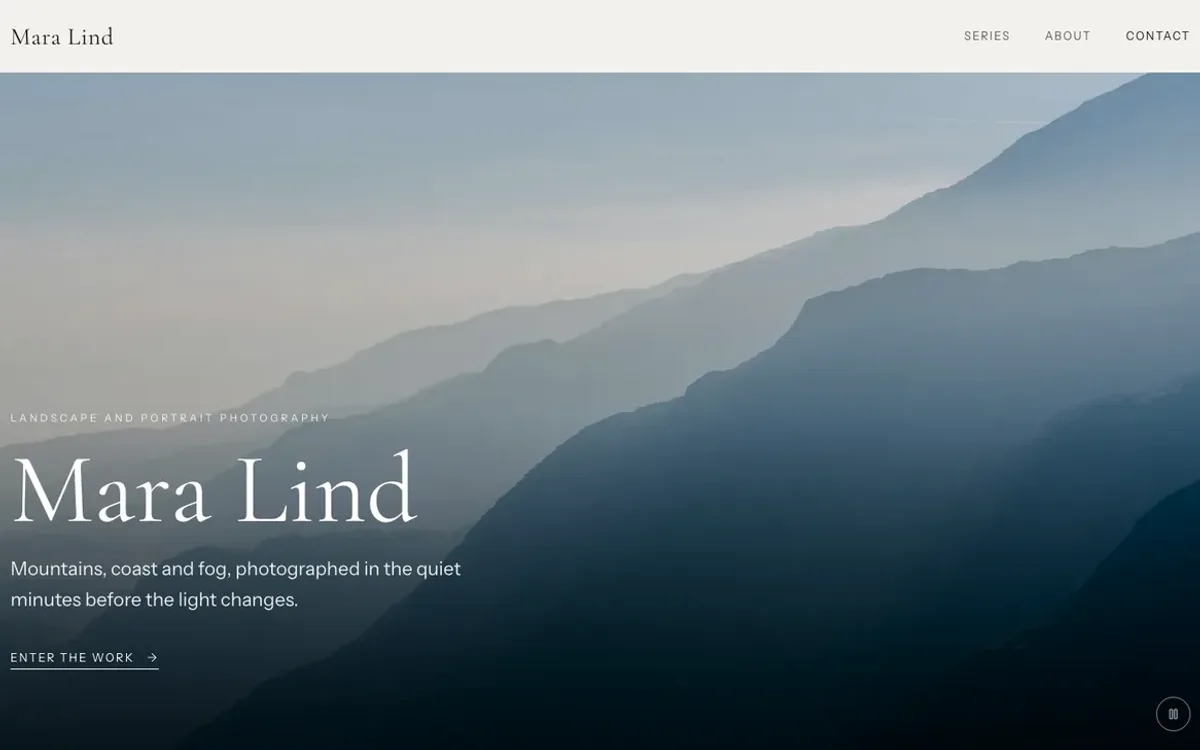 Mara LindFreePhotography and film, 4 pagesCMSMotionForms
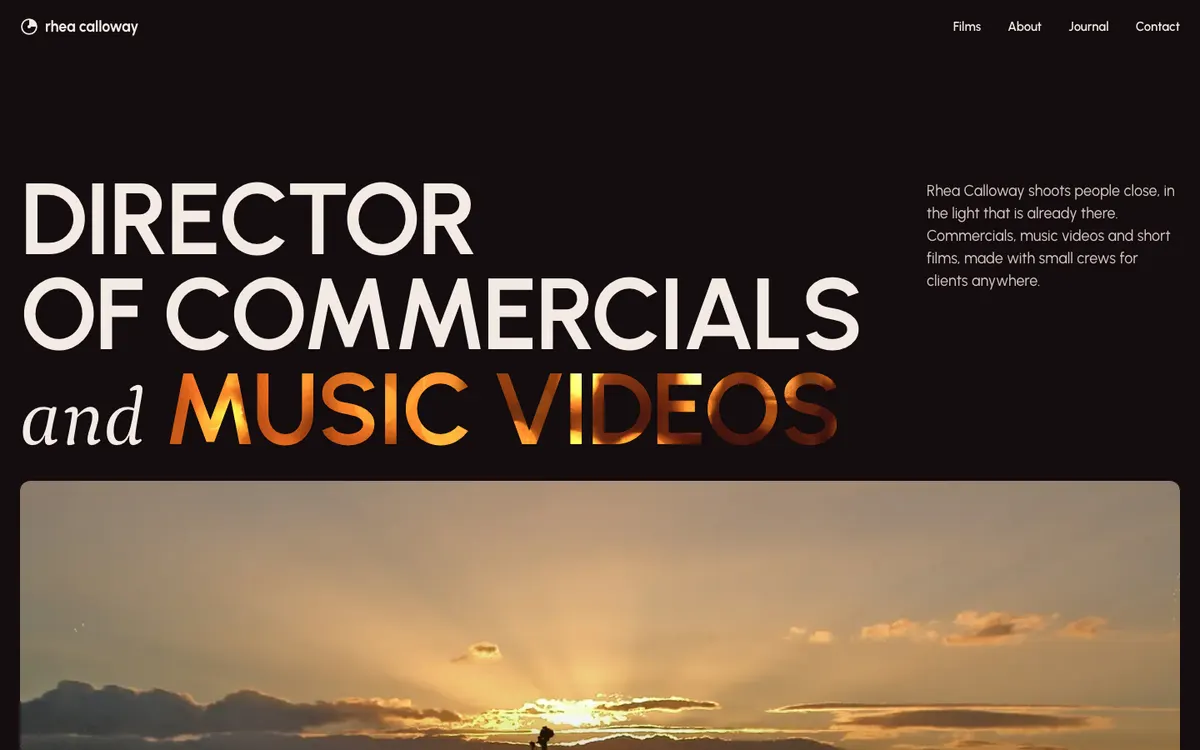 Rhea CallowayFreePhotography and film, 6 pagesCMSMotionForms
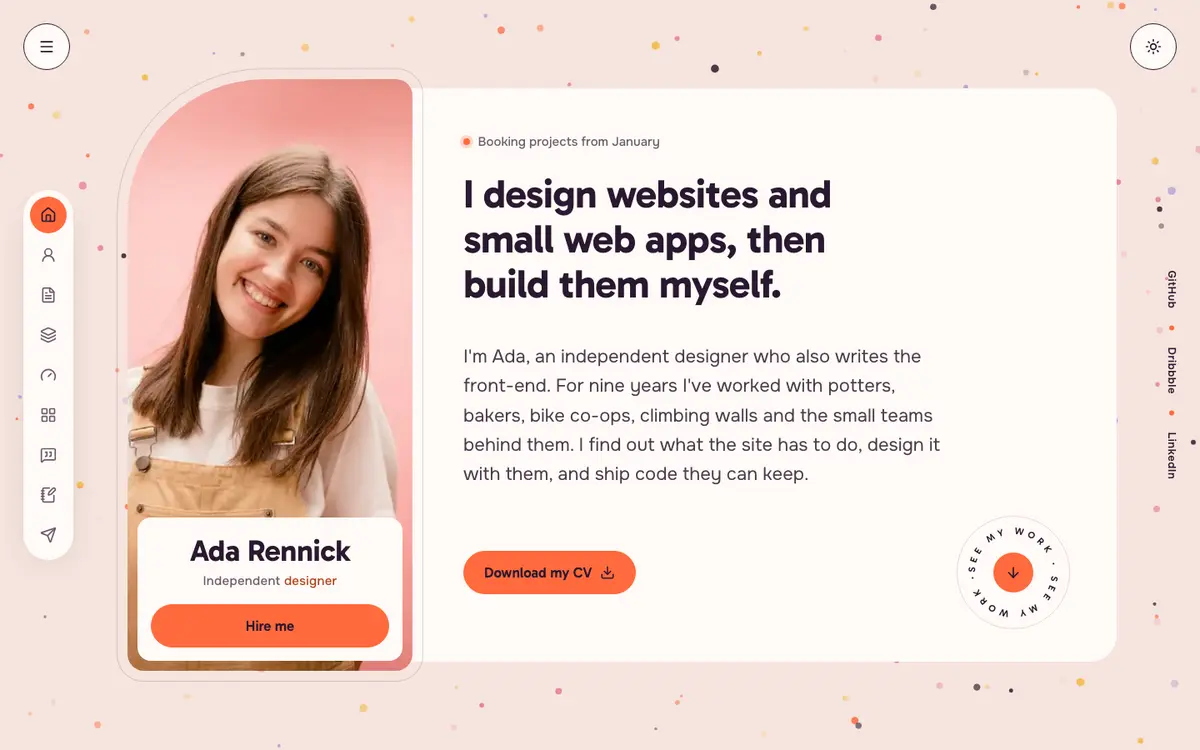 Ada RennickFreePortfolio, 3 pagesCMSMotionForms
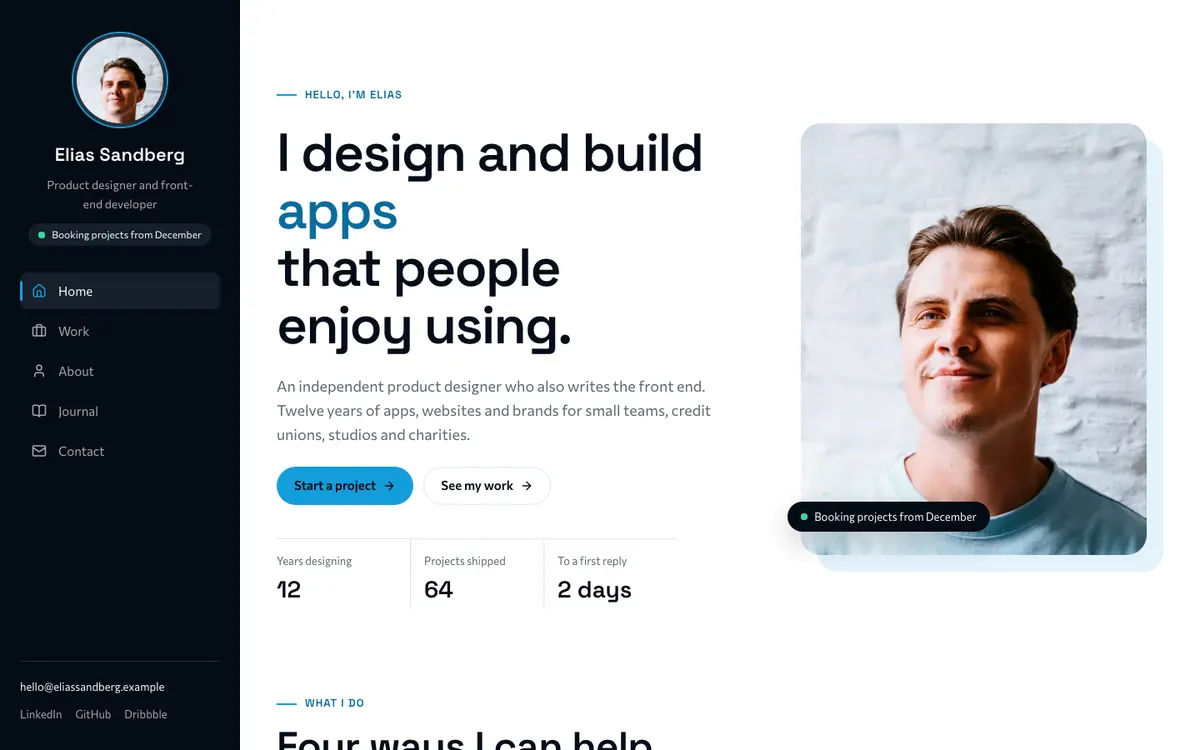 Elias SandbergFreePortfolio, 6 pagesCMSMotionFormsPopular
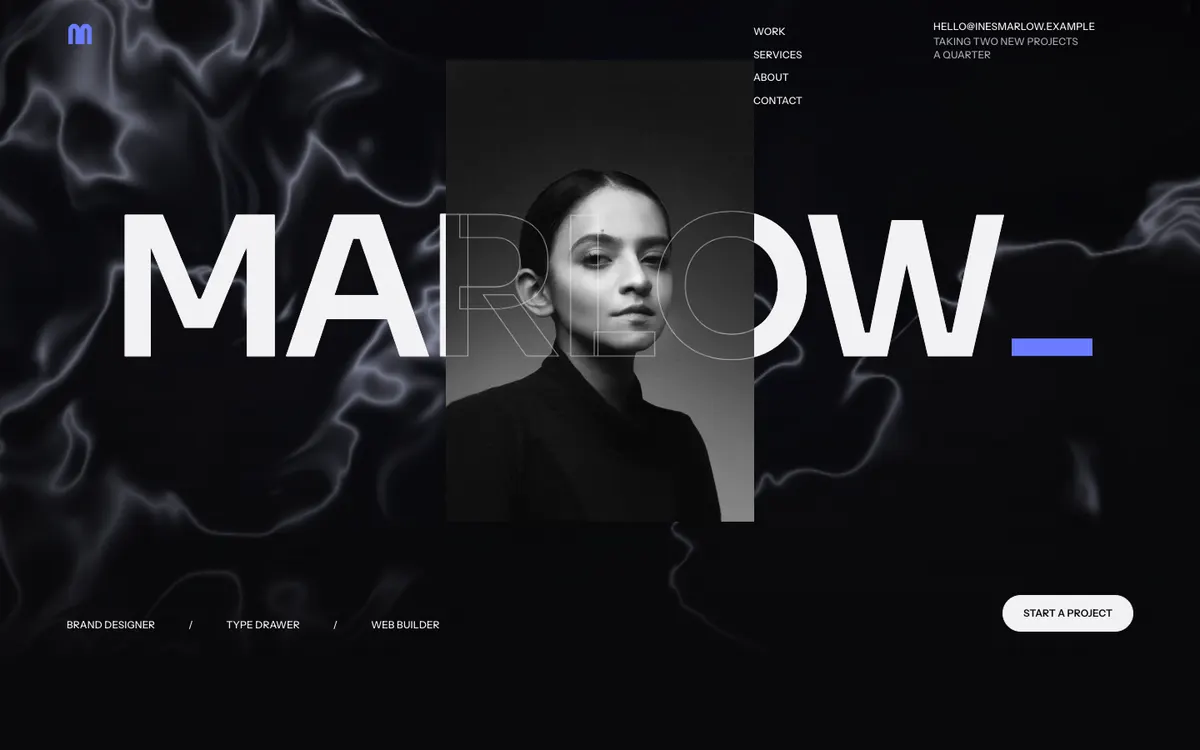 Ines MarlowFreePortfolio, 6 pagesCMSMotionFormsPopular
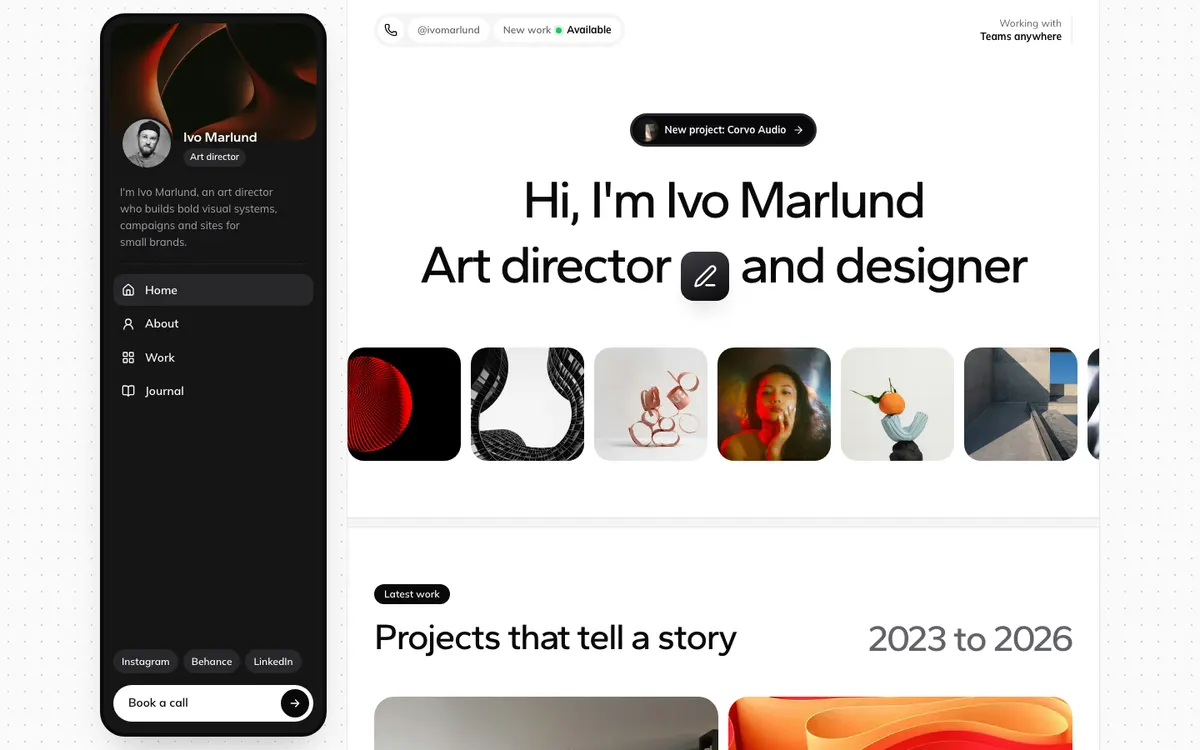 Ivo Marlund$29Portfolio, 6 pagesCMSMotionForms
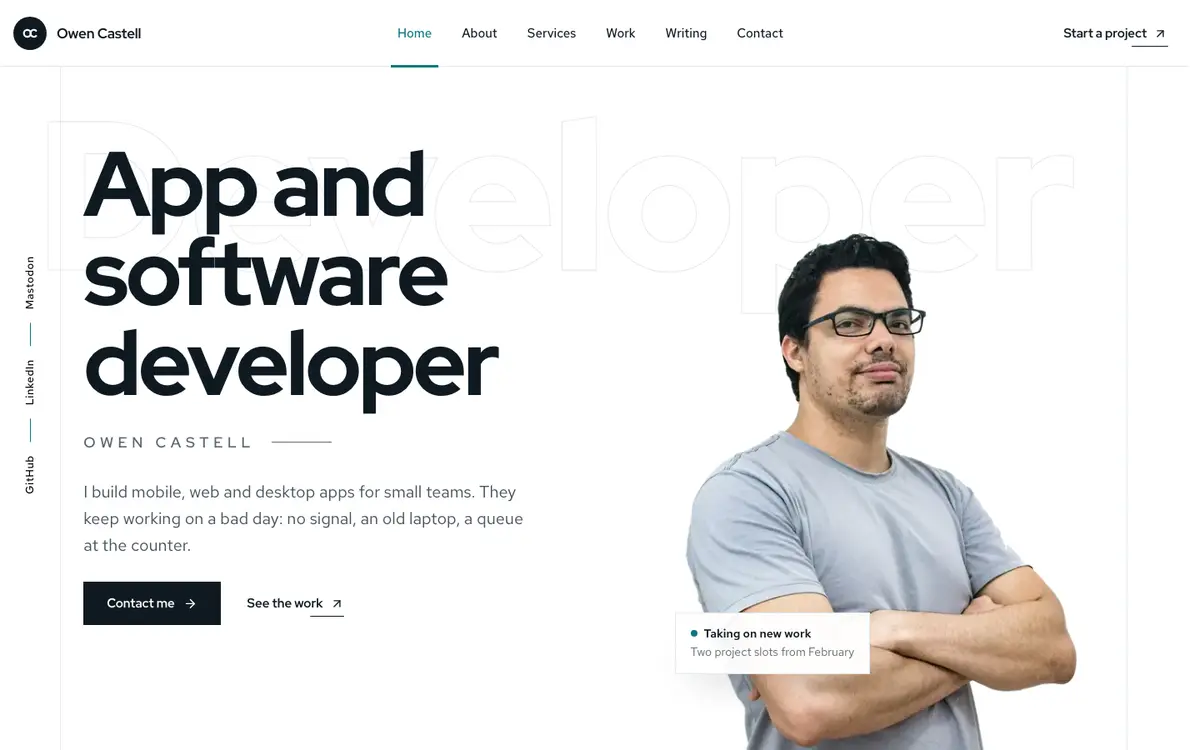 Owen CastellFreePortfolio, 6 pagesCMSMotionForms
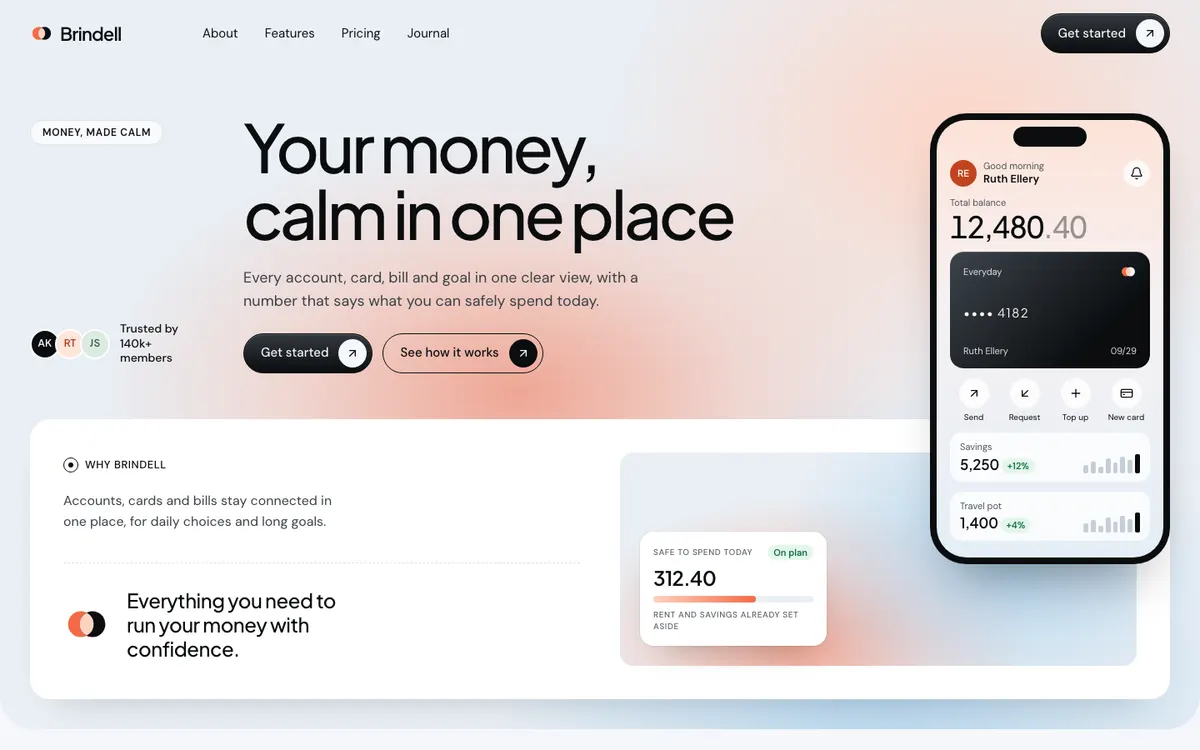 Brindell$29SaaS and software, 6 pagesCMSMotionForms
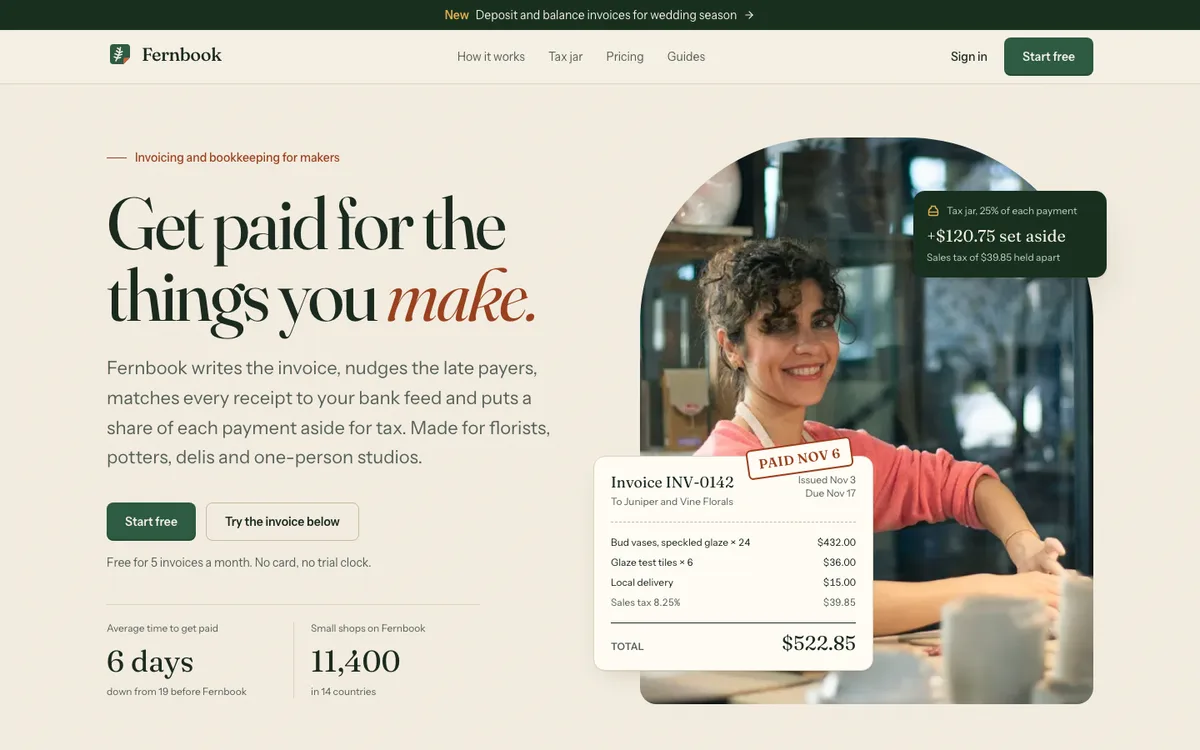 FernbookFreeSaaS and software, 4 pagesCMSMotionForms
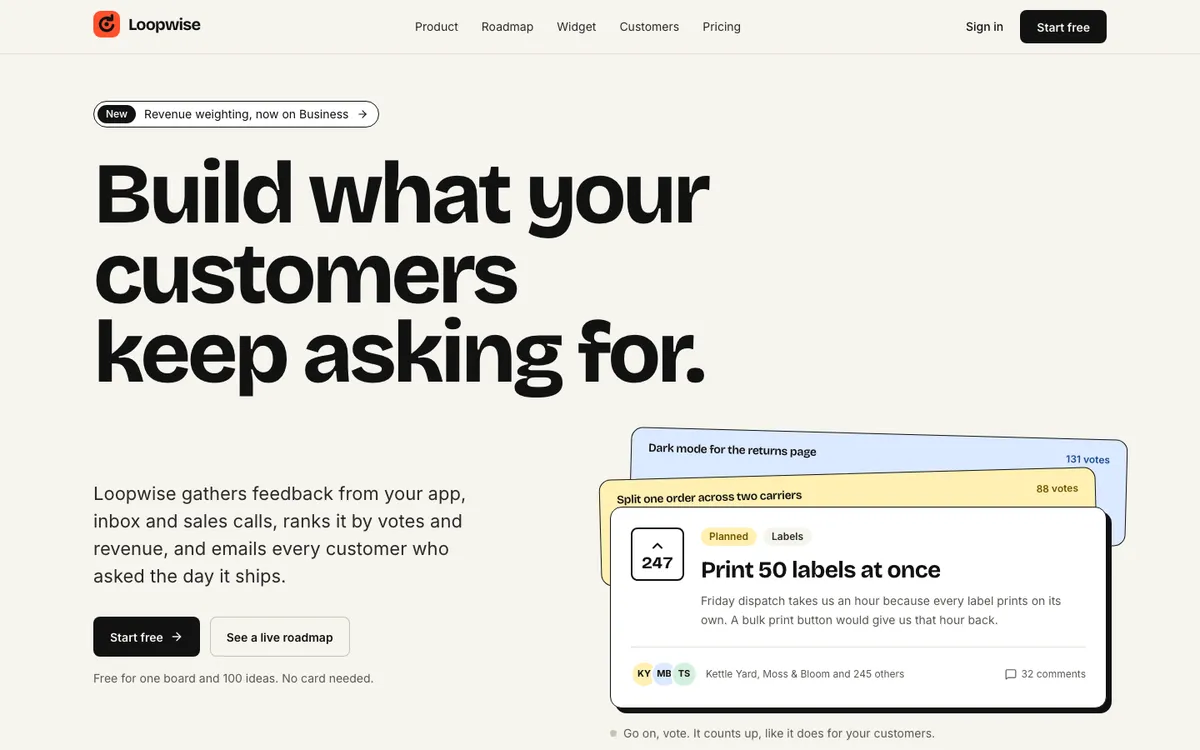 LoopwiseFreeSaaS and software, 4 pagesCMSMotion
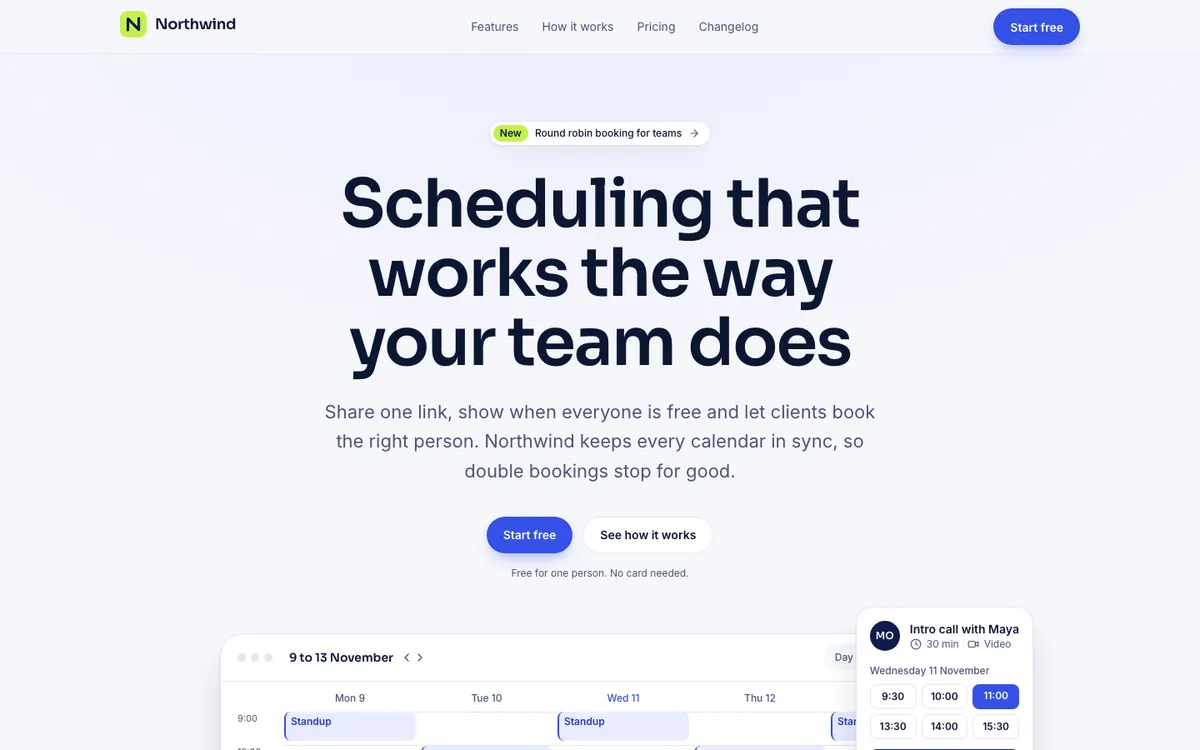 NorthwindFreeSaaS and software, 4 pagesCMSMotionForms
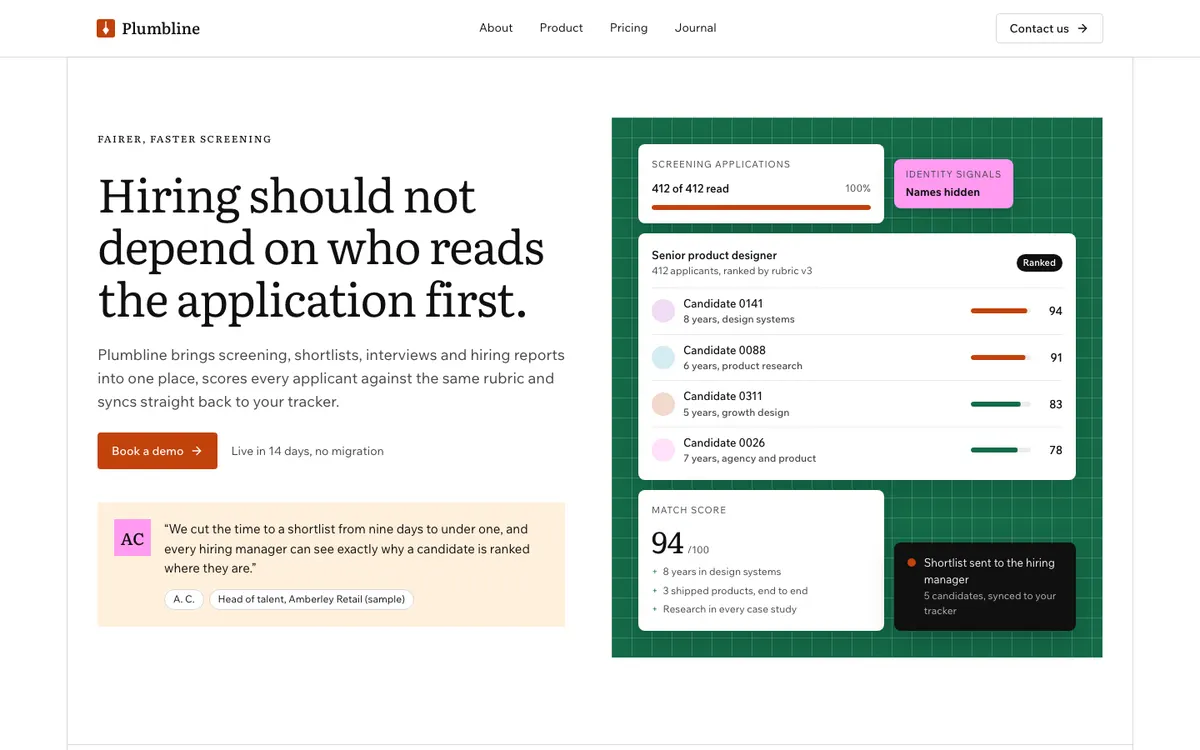 Plumbline$29SaaS and software, 6 pagesCMSMotionForms
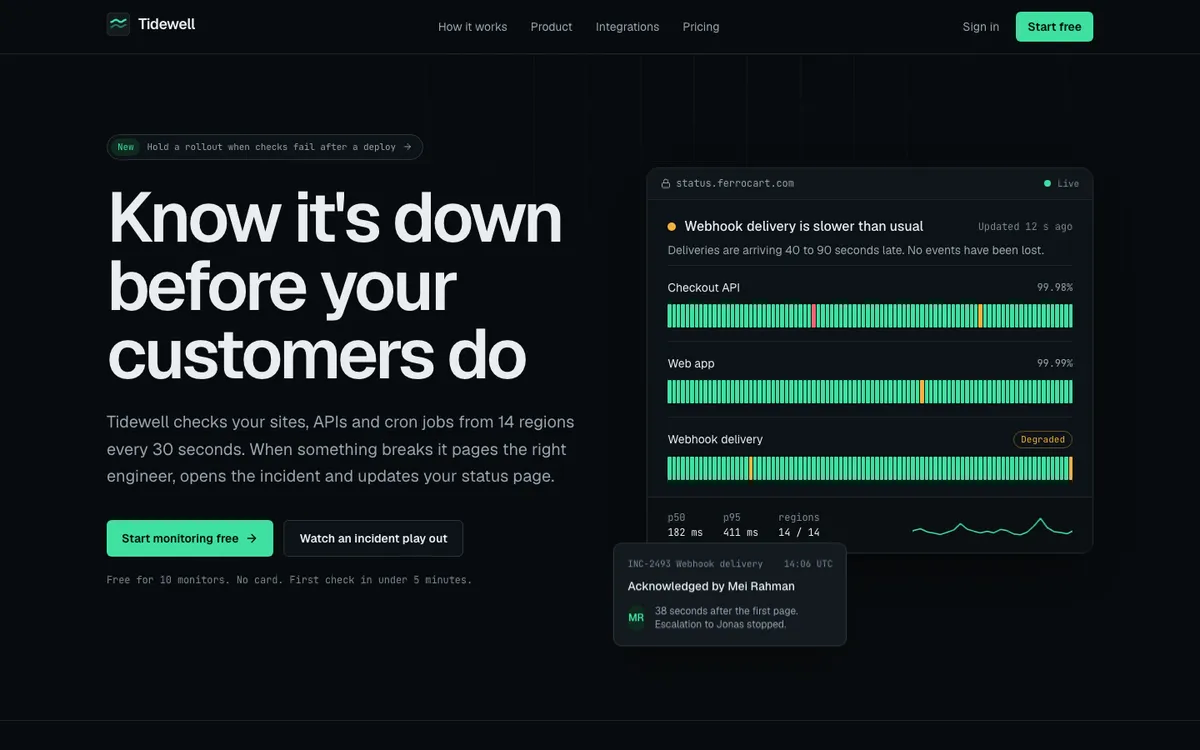 TidewellFreeSaaS and software, 4 pagesCMSMotion