Switch to Xodia, and keep your site as it looks
Bring a site from a visual builder or an AI builder. Xodia imports it, shows how close the copy is to your live site, and gives you a visual editor on real code in your own repository.
Free plan. No card needed.
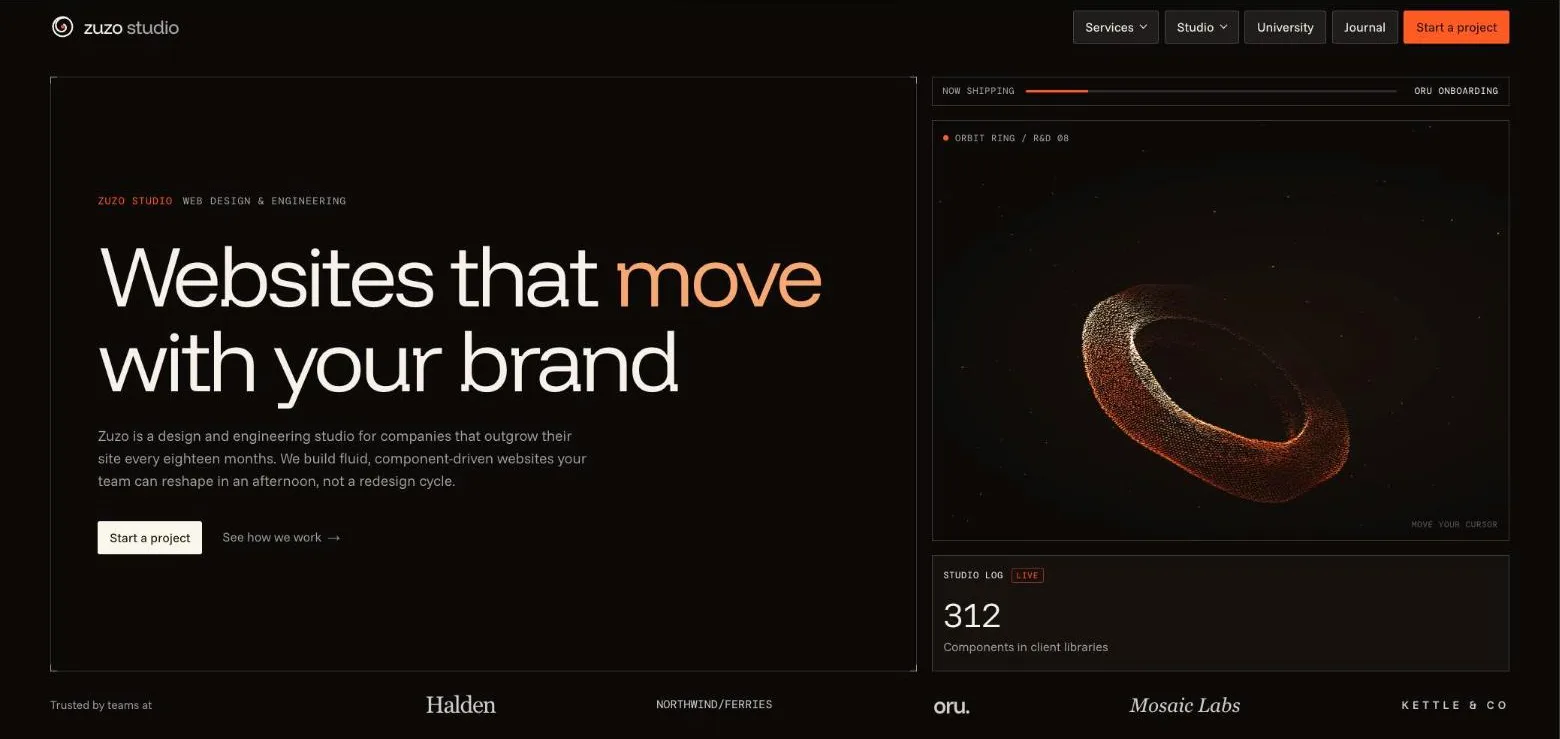
Our own studio's site, zuzostudio.com, made fully editable and open in Xodia, with the card Compared with your live site at the top right: Live site zuzostudio.com, Looks like your live site: 96.6%, Compare again and Use another address. Above the canvas, Converted from zuzostudio.com with the chip 97% like your live site, Open CONVERTED.md and Close, then Ask your AI to tidy it up with Copy prompt, Connect your AI, Ask Xodia AI and Not now.
Where your site is now
Pick the guide for your builder
Each guide covers what comes across, what to check and what to rebuild.
Switch from Webflow
Import the site you own, connect Webflow for an exact copy of your CMS and convert it to React.
Read the guideSwitch from Framer
Copy the published site, keep its entrance animations and own the code.
Read the guideBring a Lovable or Bolt site
Import it from GitHub or a ZIP and edit it visually, with no credits per change.
Read the guideBring a Replit site
Upload the project and edit its website visually, while its server stays on Replit.
Read the guide
Made your site with Base44? It comes in from GitHub or a ZIP the same way. See Import and convert. Still choosing a tool? Compare Xodia with Webflow, Framer and Lovable.
How a site comes in
Code you have, or a site you can visit
If you have the code, import it from GitHub or upload a ZIP. If you only have the live site, import it by its address and convert it to React.
- Most Tailwind 3 sites are upgraded to Tailwind 4 on the way in
- Every page is compared with your live site on phone, tablet and desktop
- Our own studio's Webflow site converted at 96.6% like the live site over 8 pages. See the result
- Nothing changes on your old site until you point your domain at the new one. See Xodia hosting
Xodia's New project dialog asking how you want to start: Start a new site from a template or a starter, Describe your site for a template Xodia AI makes yours, Import from GitHub, Upload a ZIP from Lovable, Bolt or another builder, Import from Lovable, Bolt or Replit for the steps per builder, or Import a website by its address, with Import a website outlined, and the optional Connect your AI line.
Questions
Questions about switching
Do I have to rebuild my site?
No. Xodia brings the site you have: the code from GitHub or a ZIP, or the published pages by address. Then you edit it visually. Make it fully editable converts a copied site to React code without AI. See Convert a website to React.
Does switching cost AI credits?
No. Importing, comparing with your live site, converting and editing visually never use credits. AI is there for bigger changes when you want it.
Can I try it before I move?
Yes, with no card. On Free you can bring in a site of any size, edit the home page plus 4 pages and put it live on its own xodia.site address while your old site stays up. Compare plans.
Keep exploring
Related pages
- Compare XodiaXodia beside other site builders, row by row
- Import and convertGitHub, a ZIP or an address, compared with your live site
- Switch from a visual site builderBring your site over, keep editing visually
- Switch from a design-first builderRebuild your site as code you own
- Bring a site from an AI app builderImport the repo, edit visually with no credits
- Bring the website of an AI-built appEdit its website visually, the server stays where it runs
- Convert a website to ReactImport it, check it against the live site, convert page by page
- Export a design-first builder's site to ReactCopy the published site and keep its entrance animations